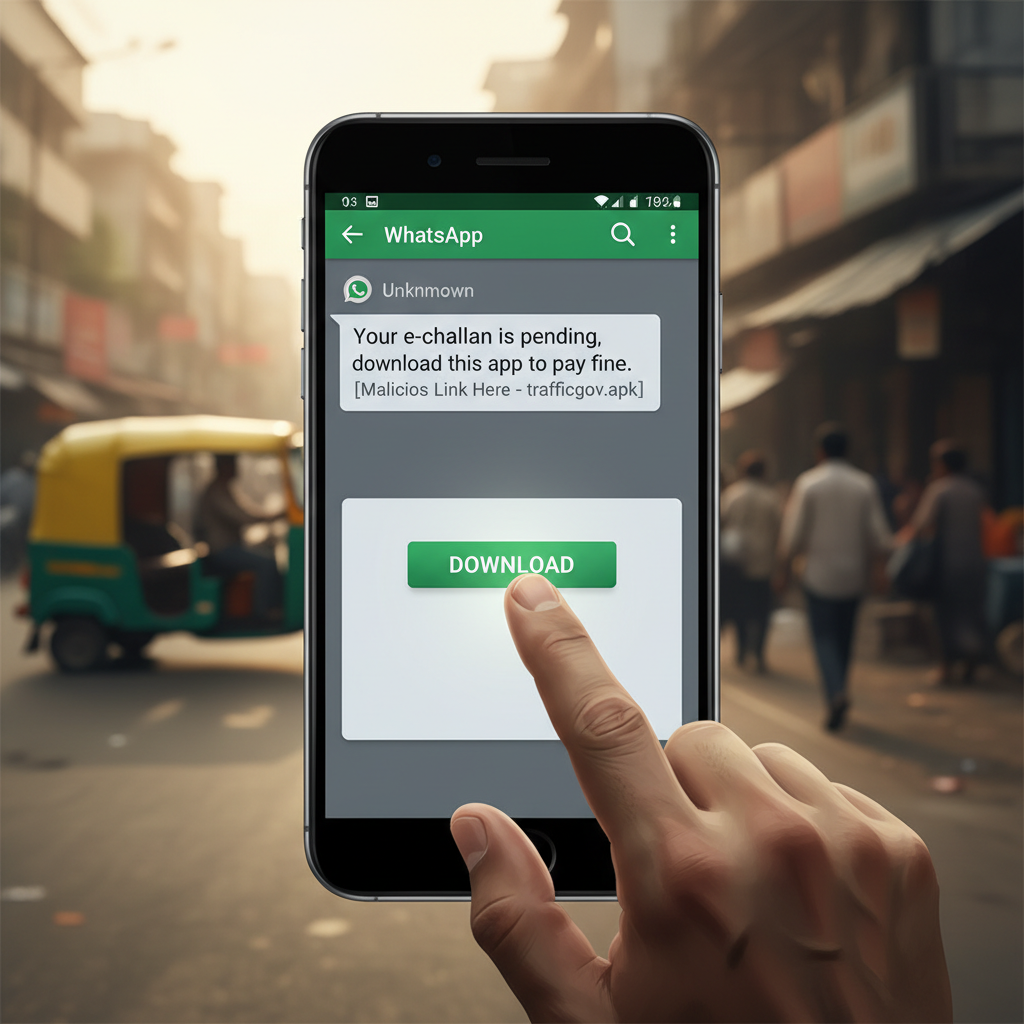
WhatsApp 'e-challan pending' APK message – what to do if you get it?
Fraudsters are sending malicious WhatsApp messages claiming you have a pending e-challan and asking you to download an app to pay. This is a dangerous scam that installs malware, giving criminals full control of your device and potentially draining your bank account. Avoid downloading any apps from unsolicited links.
How This Scam Works
This sophisticated scam leverages the common apprehension Indians have about pending traffic challans. You’ll receive a message, typically on WhatsApp, that looks alarmingly official. It might say something like, "Dear user, your e-challan payment is pending. Please download the official challan app here to clear your dues immediately and avoid further penalties." The message will often include a link that, at first glance, might seem legitimate. However, instead of directing you to an official government website or a recognized app store, this link will invariably lead to the direct download of an `.apk` file. For Android users, an `.apk` (Android Package Kit) file is the format used by the Android operating system for distribution and installation of mobile apps. Unlike apps downloaded from the Google Play Store, `.apk` files from unknown sources bypass critical security checks. Once you click on this deceptive link and proceed with the installation, you unknowingly grant a plethora of dangerous permissions to the malicious application. This rogue app, disguised as an official "e-challan payment" utility, is actually a Trojan or spyware. It can then perform a range of nefarious activities without your explicit knowledge: * **SMS Interception:** The app gains access to your SMS messages, allowing scammers to intercept critical OTPs (One Time Passwords) sent by banks for transactions, UPI payments, or even for logging into financial apps. * **Contact Access:** It can steal your entire contact list, which is then used to spread the same scam to your friends and family, making the messages appear more credible to them. * **Call Logs:** Access to call logs can reveal sensitive information about who you communicate with. * **Keylogging:** Some advanced versions of such malware can record every keystroke you make, including your banking PINs, net banking passwords, and other confidential login credentials. * **Remote Control:** In extreme cases, the malware can provide attackers with remote access to your device, allowing them to initiate transactions, modify settings, or even wipe your data. * **Direct Financial Theft:** With access to your banking app's OTPs and potentially login details, fraudsters can swiftly initiate unauthorized UPI transfers, net banking payments, or even create new beneficiaries and drain your bank accounts within minutes. They might also leverage this access to apply for small loans in your name. * **Identity Theft:** The stolen data can be used for broader identity theft schemes, affecting your CIBIL score or using your Aadhaar and PAN details for fraudulent activities. The speed and discreet nature of these attacks make them exceptionally dangerous. By the time the victim realizes their bank account is being emptied, it's often too late to prevent significant financial loss.
Red Flags
- Unsolicited WhatsApp Messages:** Any message you receive out of the blue, especially regarding official matters like challans, should immediately raise suspicion. Official communication typically comes via registered post or official government portals/SMS shortcodes (e.g., from VM-GOVTES, AD-MORTHV, etc.), not from random WhatsApp numbers.
- Links to `.apk` Files:** This is the biggest giveaway. Genuine Android apps are downloaded either from the Google Play Store or, for specific government services, from links prominently displayed on official government websites. Never install an `.apk` file directly from a WhatsApp link.
- Demands for Immediate Action/Penalty:** Scammers often create a sense of urgency, threatening higher penalties, legal action, or vehicle impoundment if you don't act "immediately." This pressure tactic aims to make you bypass critical thinking and safety checks.
- Requests for Excessive Permissions:** If an app that claims to be a challan payment utility asks for permissions like accessing your SMS, contacts, microphone, camera, or storage, it’s a massive red flag. A challan app only needs basic internet access.
- Poor Grammar or Spelling:** While not always present, watch out for messages with awkward phrasing, grammatical errors, or spelling mistakes, which are common in scam attempts.
- Generic Greetings:** Messages that start with "Dear User" instead of your name are often signs of mass-sent scam messages.
How to Stay Safe
- Verify Independently:** If you receive a message about a pending challan, do NOT click any links. Instead, manually visit the official government e-challan website (e.g., echallan.parivahan.gov.in) or use official apps like mParivahan to check your challan status.
- Never Download Apps from Unknown Sources:** For Android users, go to your phone's security settings and disable "Install apps from unknown sources." Only download apps from the Google Play Store.
- Be Suspicious of WhatsApp Links:** Treat all links received via WhatsApp with extreme caution, especially if they are from unknown numbers or relate to official services.
- Don't Share OTPs:** Your bank, payment apps (like UPI), and governmental agencies will *never* ask you for an OTP over the phone, email, or chat. OTPs are meant for *your* use to authorize transactions.
- Use Strong Antivirus Software:** Install reputable mobile antivirus on your Android device and keep it updated. Run regular scans.
- Keep Software Updated:** Regularly update your phone's operating system and all apps. Updates often include security patches that protect against known vulnerabilities.
- Bank Account Monitoring:** Regularly check your bank account statements and transaction history for any suspicious activity.
- Educate Yourself and Others:** Share this information with family and friends, especially elders, who might be more vulnerable to such scams.
If You Are Targeted
- Do NOT Install the APK:** If you received the message but haven't installed the app, simply delete the message and block the sender. Report the number to WhatsApp.
- If You Installed the APK:**
- Immediately Disconnect Internet:** Turn off your mobile data and Wi-Fi to stop the app from communicating with its server.
- Uninstall the Malicious App:** Go to your phone's app settings, identify the suspicious app (it might have an innocuous name), and uninstall it. If you can't uninstall directly, boot your phone into safe mode and try again.
- Change All Passwords:** Use another device (a computer or a friend's phone) to immediately change passwords for all your critical accounts, especially banking apps, UPI, email, and social media.
- Inform Your Bank:** Contact your bank's fraud department immediately. Explain the situation and ask them to monitor your accounts for unauthorized transactions. Request a temporary block on net banking or UPI if necessary.
- Report to Cyber Crime:** File a complaint with the National Cyber Crime Reporting Portal (cybercrime.gov.in) or call their helpline at 1930. Provide all details, including the sender's number and the message content.
- Factory Reset (Extreme Measure):** If you suspect deep infiltration or cannot remove the app, a factory reset of your phone might be necessary, but only after backing up essential data (excluding apps). Be aware that a factory reset will erase all data on your phone.
- Monitor Your Credit:** Keep an eye on your credit report (CIBIL score) for any unauthorized credit inquiries or accounts opened in your name.
ScamGuard24 Insight
This scam highlights the evolving sophistication of cybercriminals in India, who are cleverly combining social engineering with malware. The use of familiar governmental references and perceived urgency exploits common anxieties, making unsuspecting users vulnerable to sophisticated mobile surveillance.
Suspect a scam right now?
Open ScamGuard24 ScannerRecommended protection tools
AffiliateWe may earn a small commission if you sign up — it never changes our editorial picks.
India's most trusted antivirus. Blocks malicious APKs, UPI phishing and fake banking apps.
Get Quick HealAll-in-one mobile security + VPN. Stops phishing links shared on WhatsApp and SMS.
Try Norton 360Stop reusing passwords. Auto-fills only on the real bank site, never on phishing pages.
Get NordPassRelated alerts
 HIGH RISK
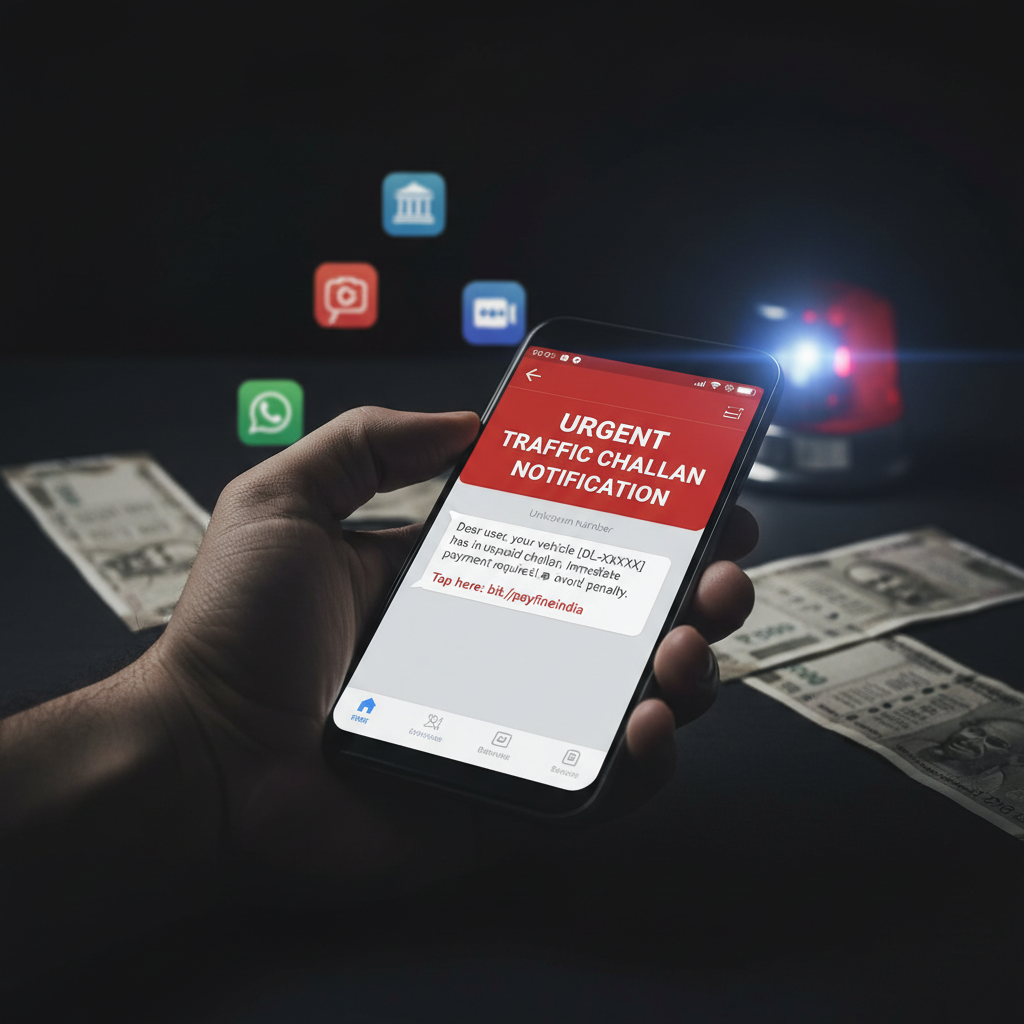
WhatsApp challan APK link message – what to do if I clicked?
 HIGH RISK
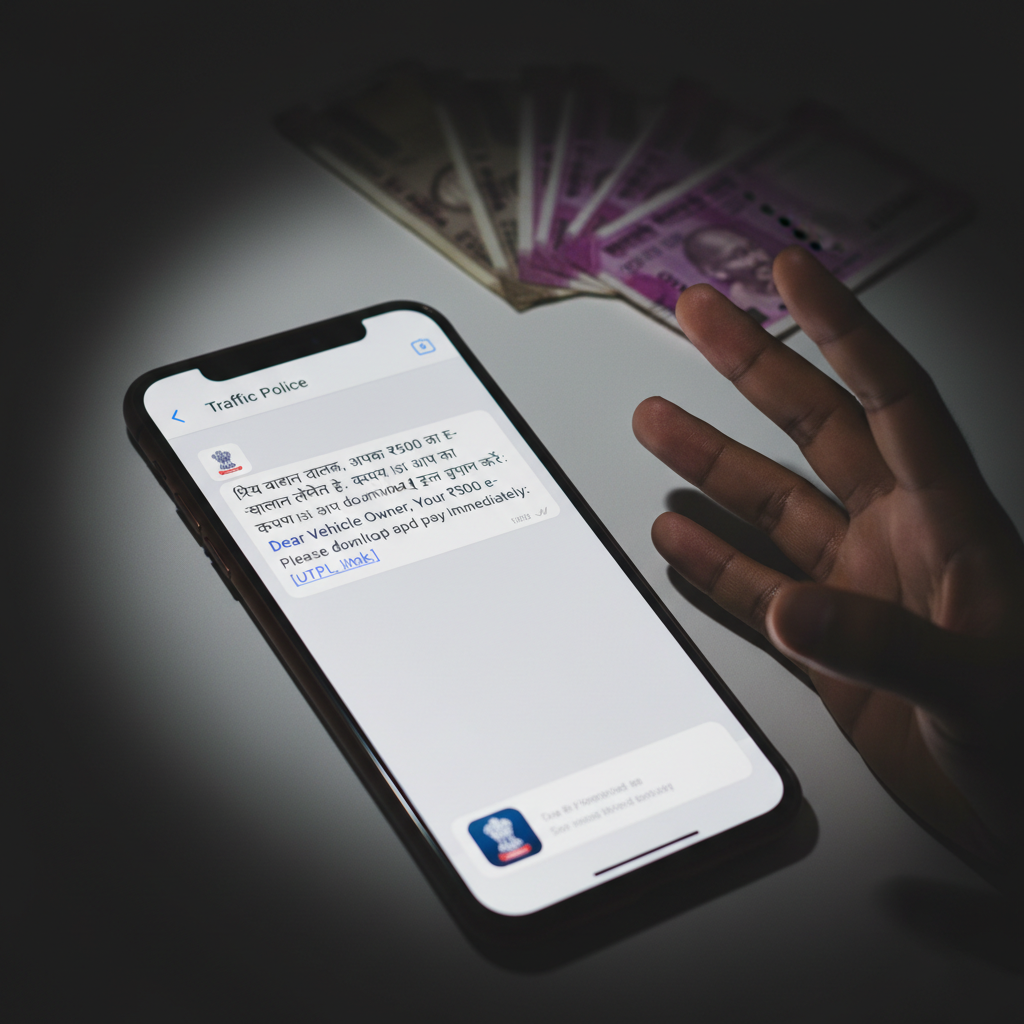
WhatsApp e-challan APK download link received – bank account emptied, what to do now?
 HIGH RISK
Comments
Be the first to comment.