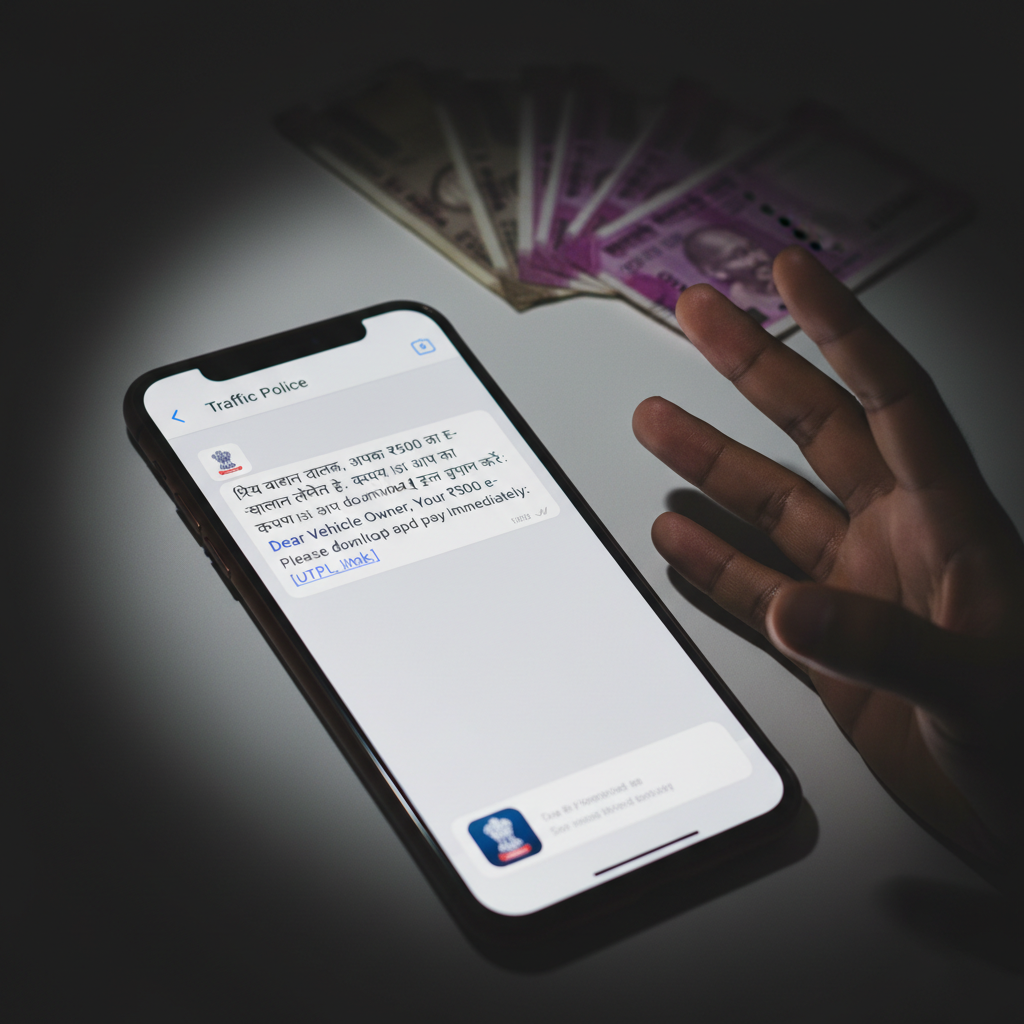
WhatsApp e-challan APK download link received – bank account emptied, what to do now?
Fraudsters are circulating malicious links via WhatsApp, disguised as official e-challan notifications. These links prompt users to download a fake APK that grants scammers complete control over their device, leading to drained bank accounts and identity theft.
How This Scam Works
This insidious scam preys on the immediate concern and sense of urgency that comes with receiving a traffic challan. You'll typically receive a WhatsApp message, often from an unknown number or a seemingly legitimate-looking profile picture (though these can be easily faked). The message will state something alarming, like "Your vehicle's e-challan is pending. Pay immediately to avoid penalties. Download the app here [malicious link]." The link provided will not lead to an official government website or a recognized app store like Google Play. Instead, it will direct you to a page where you are prompted to download an 'APK' file – an Android Package Kit, which is the format used for Android apps. The crucial difference here is that official apps are downloaded from trusted sources, while this APK is coming from an untrustworthy, external source. Once you download and 'install' this fake e-challan app, it will typically request a barrage of permissions. These permissions might seem innocuous at first glance – access to SMS, contacts, storage, or even call logs. However, in reality, this malicious APK (often a type of malware known as a Remote Access Trojan or RAT) uses these permissions to gain full, unfettered access to your smartphone. With this level of access, the scammers can remotely view your screen, intercept your SMS messages (crucially, including OTPs for banking transactions), access your banking apps, read your contact list, and even initiate financial transactions without your knowledge. They can then drain your bank accounts, credit card balances, personal digital wallets (like PayTM or PhonePe), and even leverage your financial details for further fraud or identity theft. The 'e-challan payment' within the app itself is merely a facade to distract you while the real damage is being done in the background.
Red Flags
- Unsolicited WhatsApp Messages:** Official e-challans are typically sent via SMS from government-registered shortcodes (e.g., "VM-MTPOL"), via email, or are accessible on official transport department websites. They are very rarely sent as direct WhatsApp messages with download links.
- Request to Download APK from Unknown Source:** Trustworthy apps are downloaded from official app stores (Google Play Store, Apple App Store). Any message asking you to download an "APK file" directly from a link, especially for something official like a challan, is a massive red flag.
- Urgent and Threatening Language:** Scammers often use pressure tactics like "pay immediately," "last warning," or "heavy penalties" to panic you into acting without thinking.
- Suspicious URLs:** Always scrutinize the URL in any link. Official government websites will have domains like ".gov.in" or official state transport department URLs. Malicious links will often have misspelled names, random characters, or look entirely unrelated.
- Excessive Permissions Requested:** If an app claiming to be for challan payment asks for permissions like reading your SMS, managing calls, accessing contacts, or camera, it's highly suspicious. A legitimate challan app would only need minimal permissions related to its function.
- Poor Grammar or Spelling:** Fraudulent messages often contain grammatical errors, typos, or awkward phrasing that is uncharacteristic of official communications from government bodies.
How to Stay Safe
- Verify Challans on Official Portals:** If you receive any notification about an e-challan, always verify its authenticity on official government websites like `echallan.parivahan.gov.in` or your state's respective traffic police website before clicking any links.
- Never Download APKs from Unknown Sources:** Only download apps from official and trusted app stores like Google Play Store or Apple App Store. Enable "Unknown Sources" setting on your Android phone ONLY when you absolutely trust the source, and disable it immediately afterwards. Better yet, avoid it completely.
- Be Skeptical of WhatsApp Links:** Treat any link received via WhatsApp, especially from unknown numbers, with extreme caution. If in doubt, do not click.
- Check Sender Identity:** Look for official sender IDs for SMS (e.g., from VM-MTPOL) and verify the source of WhatsApp messages. Official government accounts often have a verified green tick mark.
- Review App Permissions Carefully:** Before installing any app, thoroughly review the permissions it requests. If permissions seem excessive or unrelated to the app's function, do not install it.
- Keep Your Software Updated:** Ensure your phone's operating system and all security software (antivirus) are up-to-date. This helps protect against known vulnerabilities.
- Use a Strong Screen Lock:** A strong PIN, pattern, or biometric lock can provide a basic layer of defense if your device falls into the wrong hands physically.
If You Are Targeted
- Immediately Disconnect from the Internet:** Turn off your mobile data and Wi-Fi immediately to prevent further unauthorized access and data transmission.
- Change All Important Passwords:** Use another secure device (a friend's phone, a computer) to change passwords for all your online banking, UPI apps, email, social media, and any other critical accounts.
- Contact Your Bank/Financial Institutions:** Inform your bank(s) and any digital wallet providers (PhonePe, PayTM, Google Pay) about the potential fraud. They can help block accounts, reverse unauthorized transactions, and monitor for suspicious activity.
- Block Your SIM Card:** If you suspect your mobile number or SIM card has been compromised (e.g., through SIM swap fraud facilitating OTP interception), contact your mobile service provider to block it.
- Factory Reset Your Phone:** As a last resort, performing a factory reset on your phone can help remove all malicious software. Be sure to back up important data BEFORE doing this (but ensure you don't back up any malicious files).
- File a Police Complaint:** Report the incident to the cybercrime police. In India, you can file a complaint online at `www.cybercrime.gov.in` or by calling the helpline 1930. Provide all details, including the WhatsApp message, link, and any transaction details.
- Inform Contacts:** Warn your friends and family about the scam, as your contacts might also be targeted using your compromised device.
ScamGuard24 Insight
This scam highlights the critical need for digital literacy and healthy skepticism regarding unsolicited digital communications. The rapid proliferation of fake APKs targeting common societal concerns like traffic challans underscores how quickly cybercriminals adapt their tactics to exploit trust and urgency, often by bypassing traditional app store security.
Suspect a scam right now?
Open ScamGuard24 ScannerRecommended protection tools
AffiliateWe may earn a small commission if you sign up — it never changes our editorial picks.
India's most trusted antivirus. Blocks malicious APKs, UPI phishing and fake banking apps.
Get Quick HealAll-in-one mobile security + VPN. Stops phishing links shared on WhatsApp and SMS.
Try Norton 360Stop reusing passwords. Auto-fills only on the real bank site, never on phishing pages.
Get NordPassRelated alerts
 HIGH RISK
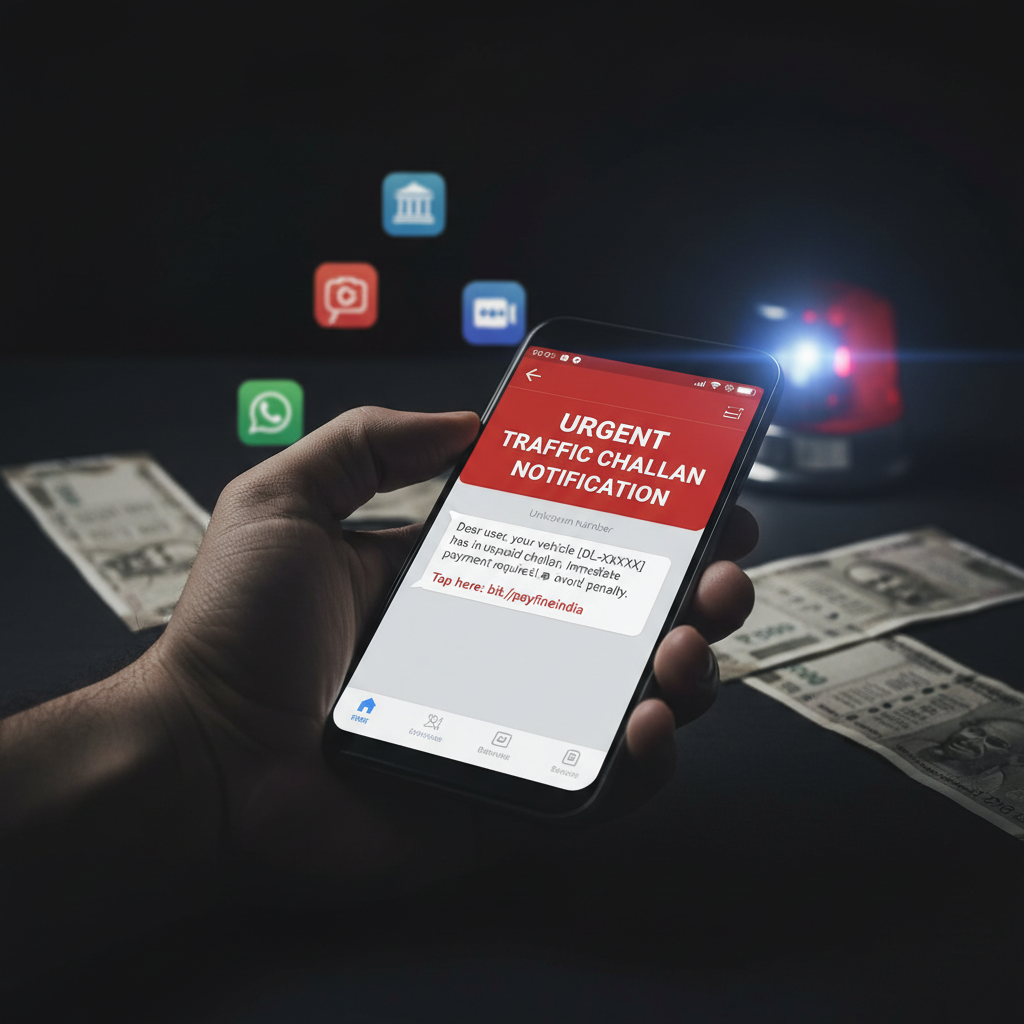
WhatsApp challan APK link message – what to do if I clicked?
 HIGH RISK
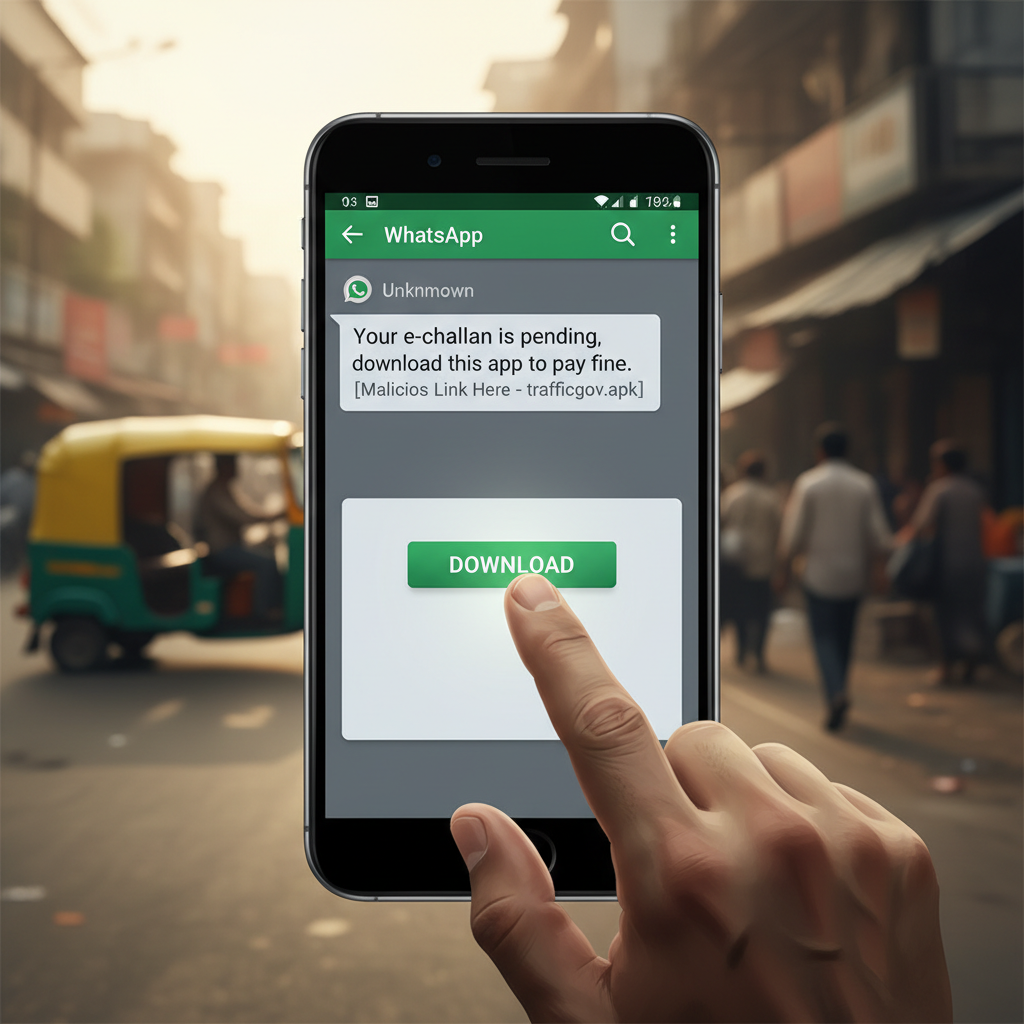
WhatsApp 'e-challan pending' APK message – what to do if you get it?
 HIGH RISK
Comments
Be the first to comment.