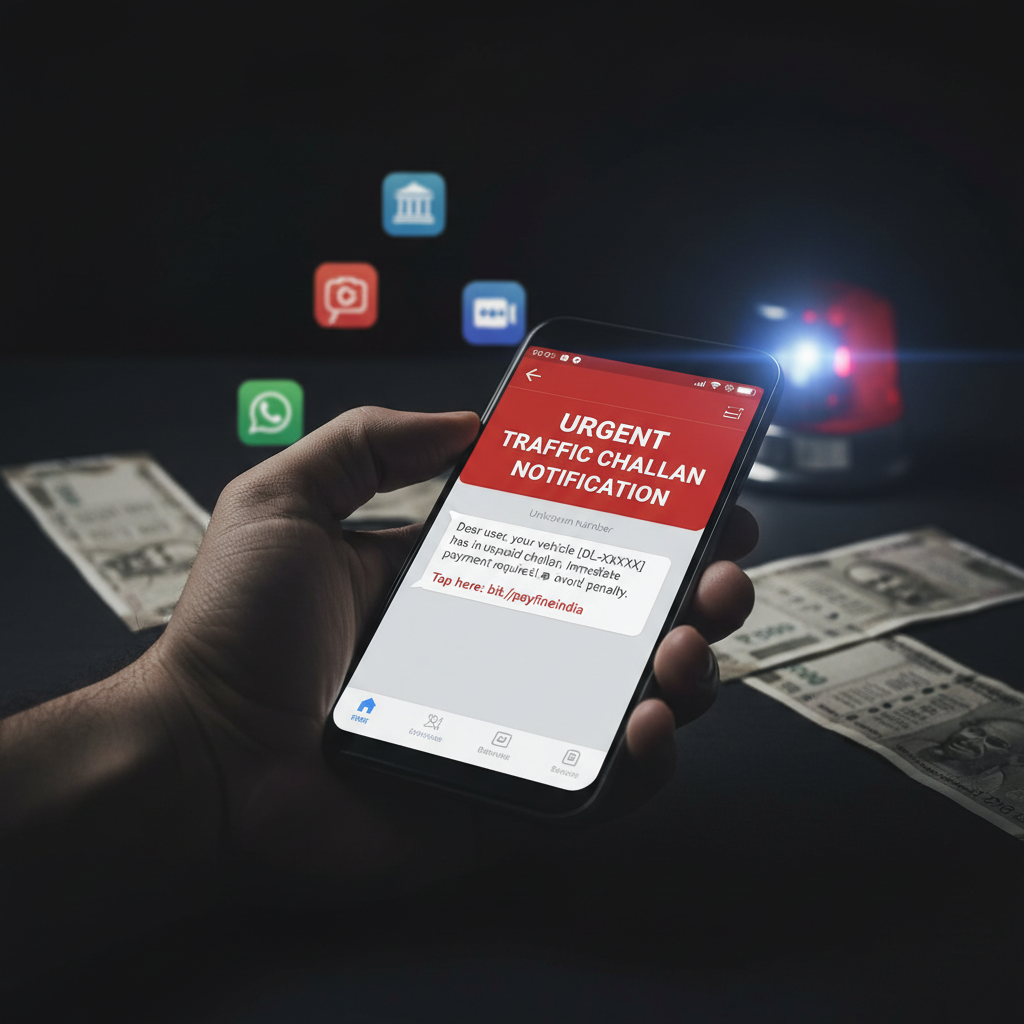
WhatsApp challan APK link message – what to do if I clicked?
Beware of a dangerous new scam circulating on WhatsApp where fraudsters send messages with fake e-challan notifications. These messages entice you to download a malicious .apk file that, once installed, grants criminals full control over your smartphone, leading to drained bank accounts and identity theft. This is a highly sophisticated form of malware designed to specifically target Indian users.
How This Scam Works
The scam typically begins with an unsolicited WhatsApp message that appears to come from an official source, such as the "Traffic Police" or "Ministry of Road Transport and Highways." The message will often state that you have a pending e-challan (traffic fine) and urge you to "pay immediately" or "view details" by clicking on a provided link. This link, however, does not redirect to a legitimate government portal. Instead, it leads to a deceptive website designed to mimic an official government page, prompting you to download a seemingly innocuous application to "process your payment" or "check your challan status." This application is not available on official app stores like Google Play Store. It is distributed as an **.apk file**, which is an Android application package. Once you download and attempt to install this .apk file, your phone will likely display a warning about installing apps from unknown sources. Ignoring this warning and proceeding with the installation is where the real danger begins. The malicious .apk file, once installed, requests a barrage of permissions, including access to your SMS, contacts, camera, microphone, storage, and even accessibility services. Many users, in a hurry or under pressure to resolve a "pending fine," unknowingly grant these extensive permissions. With these permissions, the fraudsters gain complete control over your device. They can: * **Intercept SMS:** This is critical for intercepting OTPs (One-Time Passwords) sent by your bank or other financial institutions for transactions. * **Access Banking Apps:** With control over your phone, they can potentially access and operate your mobile banking apps, UPI apps, and payment wallets. * **Steal Personal Information:** Your contacts, photos, videos, and documents can all be accessed and exfiltrated. * **Monitor Activity:** They can spy on your ongoing activities, listen to conversations, and even activate your camera. * **Drain Bank Accounts:** The primary goal is often to initiate unauthorized transactions from your bank accounts, credit cards, or UPI wallets, draining your funds before you even realize what's happening. They can use the intercepted OTPs to bypass security measures. * **Identity Theft:** The stolen personal data can be used for further fraudulent activities, including creating fake accounts or taking loans in your name.
Red Flags
- Unsolicited WhatsApp Message:** Any message about an e-challan arriving unexpectedly via WhatsApp, especially from an unknown number, is a major red flag. Official e-challan notifications are typically sent via SMS from a government sender ID (e.g., "VM-MORTH" or "BP-MVD") or email, and link to official government websites (e.g., e-challan.parivahan.gov.in).
- Link to Download .apk File:** Legitimate government services for challan payment will never ask you to download an .apk file. They direct you to secure web portals. If the link prompts a direct download of an application, it’s a scam.
- Urgency and Threatening Language:** Messages using phrases like "pay immediately," "last chance," or "legal action will be taken" are designed to create panic and bypass your critical thinking.
- Requests for Unusual Permissions:** If an app is asking for extensive permissions unrelated to its stated function (e.g., a "challan checker" app asking for access to your camera, microphone, or SMS), it's highly suspicious.
- Typographical Errors and Poor Grammar:** While not always present, official communications are usually grammatically correct. Scammers often make mistakes.
- Unofficial Sender Profile Picture/Name on WhatsApp:** The WhatsApp profile might look generic or have a low-resolution government logo, or the number might not be a familiar official contact.
How to Stay Safe
- Never Click Suspicious Links:** Do not click on any links in unsolicited messages, especially those promising e-challan payments or status checks.
- Verify Independently:** If you suspect you have a pending e-challan, always visit the official government website (e.g., e-challan.parivahan.gov.in) or use official apps from reliable sources (like mParivahan) to check and pay. Do NOT rely on links sent via message.
- Download Apps Only from Official Stores:** Only download applications from trusted sources like Google Play Store or Apple App Store. Avoid downloading .apk files directly from websites or links shared on messaging platforms.
- Review App Permissions Carefully:** Before installing any app, thoroughly review the permissions it requests. If permissions seem excessive or unrelated to the app's function, do not install it.
- Enable Unknown Sources Blocker:** On your Android phone, go to Settings > Security (or Apps & Notifications > Special app access) and ensure "Install unknown apps" or "Unknown sources" is disabled for all browsers and file managers.
- Keep Your Software Updated:** Regularly update your phone's operating system and all installed applications to benefit from the latest security patches.
- Use a Reputable Antivirus/Anti-malware App:** Install and regularly scan your device with a trusted security application.
- Educate Yourself and Others:** Share this information with friends and family, especially those who may be less tech-savvy.
If You Are Targeted
- Immediately Disconnect from the Internet:** Turn off your Wi-Fi and mobile data to prevent further unauthorized access or data exfiltration.
- Uninstall the Suspicious App:** Go to your phone's Settings > Apps, find the malicious app, and uninstall it immediately. If you can't find it, consider if it disguised itself under a different name.
- Change All Crucial Passwords:** As soon as possible, change passwords for your banking apps, email accounts, UPI apps, social media, and any other critical services, preferably from a different, secure device (e.g., a computer).
- Inform Your Bank:** Contact your bank's customer service immediately and report the incident. Ask them to monitor your accounts for suspicious activity and consider blocking or freezing your accounts temporarily if you see any unauthorized transactions.
- Report the Incident:**
- Cybercrime Portal:** File a complaint on the Indian Cyber Crime Reporting Portal (cybercrime.gov.in) with all details of the scam, including the WhatsApp number, message content, and any links.
- WhatsApp:** Report the sender's number on WhatsApp itself.
- Reset Your Phone to Factory Settings (Last Resort):** If you suspect deep compromise and cannot remove the malware, a factory reset might be necessary. **Warning:** This will erase all data on your phone, so back up essential data beforehand.
ScamGuard24 Insight
This Fake Traffic Challan APK scam highlights the increasing sophistication of cybercriminals targeting Indian users. By leveraging urgent notifications and the false sense of security provided by messenger apps, they exploit trust and human vulnerability to bypass conventional security measures, demonstrating the need for extreme caution when dealing with unsolicited links and app downloads.
Suspect a scam right now?
Open ScamGuard24 ScannerRecommended protection tools
AffiliateWe may earn a small commission if you sign up — it never changes our editorial picks.
India's most trusted antivirus. Blocks malicious APKs, UPI phishing and fake banking apps.
Get Quick HealAll-in-one mobile security + VPN. Stops phishing links shared on WhatsApp and SMS.
Try Norton 360Stop reusing passwords. Auto-fills only on the real bank site, never on phishing pages.
Get NordPassRelated alerts
 HIGH RISK
WhatsApp e-challan APK download link received – bank account emptied, what to do now?
 HIGH RISK
WhatsApp 'e-challan pending' APK message – what to do if you get it?
 HIGH RISK
Comments
Be the first to comment.