
SMS/WhatsApp fake KYC message from bank – what to do if I get one?
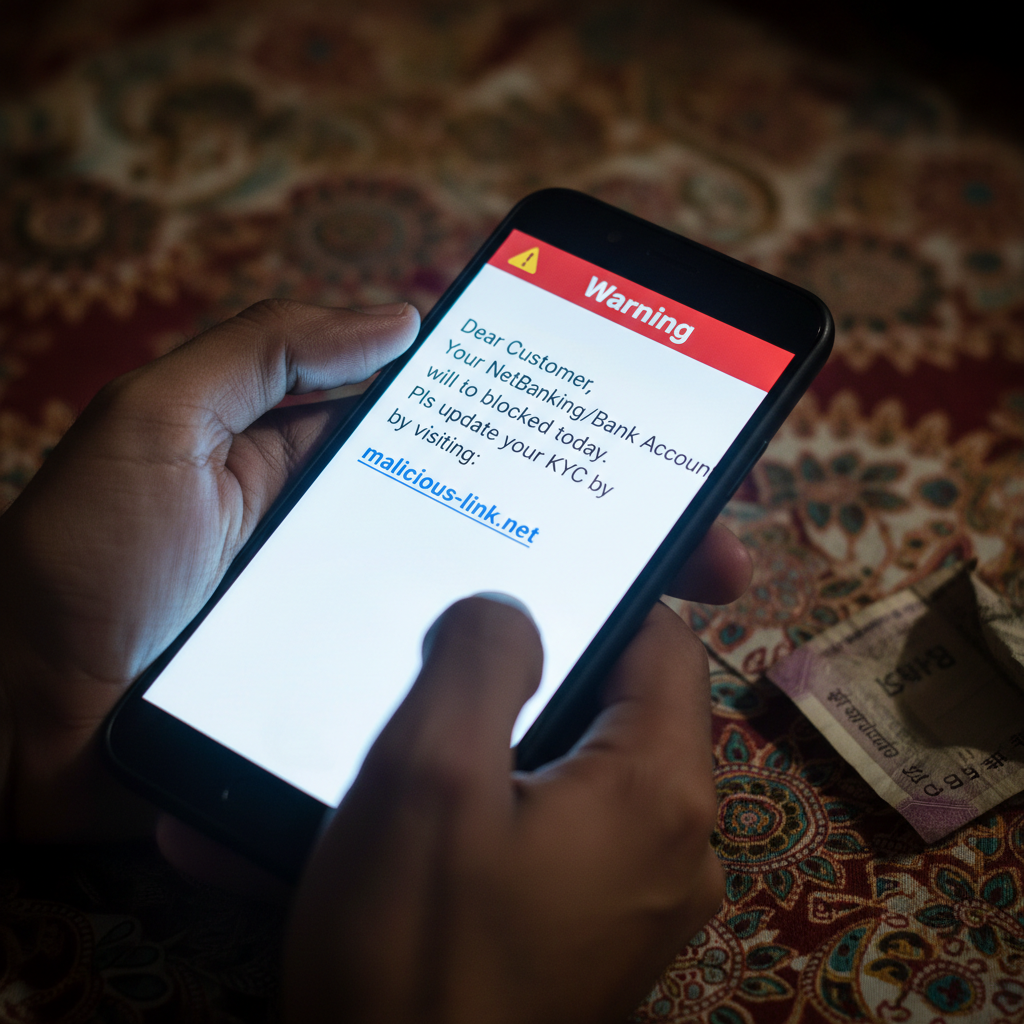
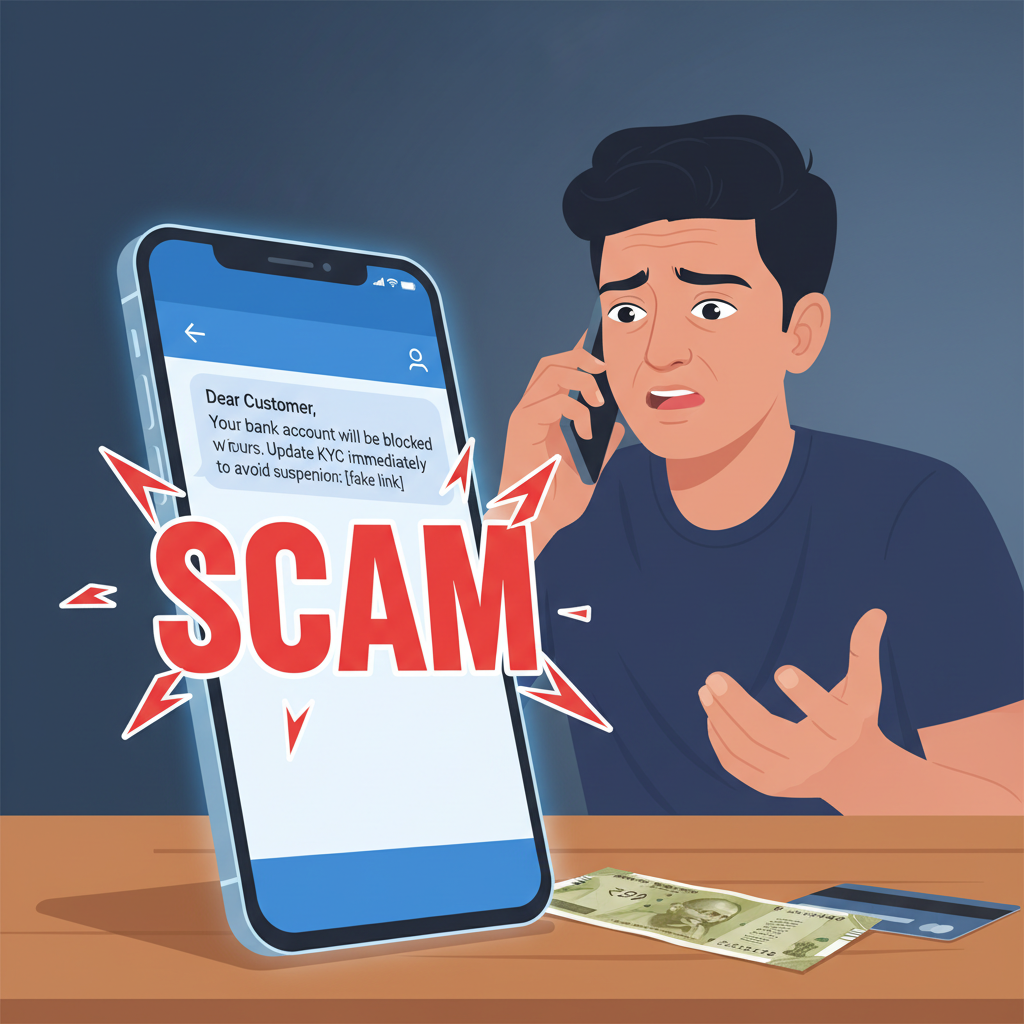
Fraudsters are sending deceptive SMS and WhatsApp messages, pretending to be from your bank, threatening account blockage if you don't update your KYC immediately. These messages contain malicious links designed to steal your banking credentials and money. This high-risk scam can lead to significant financial loss if you click the link and provide your details.
How This Scam Works
Imagine you receive a message on your phone, either via SMS or WhatsApp. It looks urgent, maybe even alarming. It claims to be from your bank – State Bank of India, HDFC Bank, ICICI Bank, Axis Bank, or any other major financial institution you might use. The message usually says something to the effect of: "Dear Customer, your bank account will be blocked within 24 hours due to pending KYC update. Please update your KYC immediately by clicking this link: [malicious_link]." The message is designed to create panic and a sense of urgency. Know Your Customer (KYC) compliance is a legitimate requirement in India for all financial institutions to prevent money laundering and terrorist financing. Because most people are aware of KYC norms and their importance, this scam preys on that knowledge. When you click on the provided link, it directs you to a fake website that looks exactly like your bank’s official online banking portal. Every logo, colour, and font might be perfectly replicated to deceive you. You’ll be prompted to enter sensitive information such as your net banking username, password, Aadhaar number, PAN card details, account number, full name, date of birth, and sometimes even your debit card number and PIN. Once you submit these details, the fraudsters gain access to your bank account. They can then initiate unauthorised transactions, empty your savings, or even take out loans in your name. They might also ask for an OTP (One-Time Password) that you receive on your registered mobile number, claiming it's for verification. This OTP is, in reality, for authorising a transaction they are initiating from your account. Once you share the OTP, your money is gone. Sometimes, instead of a fake website, the link might install malware on your phone. This malware can then spy on your activities, steal sensitive data, or even take control of your device without your knowledge. The fraudsters are constantly evolving their tactics, but the core principle remains the same: creating urgency to trick you into revealing your confidential banking information.
Red Flags
- Unsolicited Messages Threatening Account Blockage:** Any message from your "bank" that threatens immediate account blockage for KYC or any other reason without prior communication through official channels (like your bank's secure messaging service within their app, postal mail, or a direct call from a verified number) is a major red flag.
- Links in Messages:** Legitimate banks *never* ask you to update sensitive information like KYC through a clickable link in an SMS or WhatsApp message. They will direct you to their official app or website, or ask you to visit a branch.
- Generic Greetings:** Scammers often use generic greetings like "Dear Customer" instead of addressing you by your name. Your bank knows your name.
- Grammatical Errors or Typos:** While less common now, some scam messages still contain poor grammar, spelling mistakes, or awkward phrasing.
- Requests for OTP on Suspicious Links:** Never enter an OTP received for a transaction you did not initiate, especially on a link provided in an unsolicited message. OTPs are for authorising transactions.
How to Stay Safe
- Verify Directly with Your Bank:** If you receive such a message, do *not* click any links. Instead, contact your bank directly using the official customer service number found on their website, bank passbook, or debit card. Never use a number provided in the suspicious message.
- Bookmark Official Bank Websites:** Always access your bank’s online banking portal by typing the official URL into your browser or using their official mobile app downloaded from a trusted app store (Google Play Store, Apple App Store).
- Be Skeptical of Urgency:** Fraudsters thrive on creating panic. Take a moment to pause and verify any urgent request, especially those involving your money or personal data.
- Never Share OTPs, Passwords, or PINs:** Your bank will never call or message to ask for your OTP, ATM PIN, debit/credit card CVV, or net banking password. Keep these absolutely confidential.
- Report Suspicious Messages:** Block the sender and report the message to your telecom provider and your bank. You can also report it to the National Cybercrime Reporting Portal (cybercrime.gov.in).
- Regularly Check Your Account Statements:** Keep an eye on your bank account statements for any unusual activity. Report discrepancies immediately.
- Educate Yourself and Others:** Share this information with family and friends, especially elders who might be more vulnerable to such scams.
If You Are Targeted
- Do NOT Click the Link:** If you haven't clicked the link, simply delete the message and block the sender. You are safe.
- If You Clicked But Didn't Enter Details:** If you clicked the link but realised it was fake before entering any information, close the tab immediately. Run a reputable antivirus scan on your device if possible.
- If You Entered Details (Username/Password/Aadhaar/PAN):**
- Immediately change the passwords for your net banking, email, and any other accounts that use the same or similar credentials.
- Contact your bank's fraud department *immediately* via their official helpline to report the incident and freeze your account if necessary.
- Monitor your bank statements closely for any unauthorised transactions.
- Report the incident to the National Cybercrime Reporting Portal (www.cybercrime.gov.in) and obtain an acknowledgement number.
- If You Shared an OTP and Money Was Debited:**
- Call your bank’s fraud helpline *urgently*. The faster you report, the higher the chances of getting your money back, especially within the first few hours.
- File a complaint on the National Cybercrime Reporting Portal (www.cybercrime.gov.in) within 24-48 hours.
- Keep all records of communications (screenshots of messages, call logs).
ScamGuard24 Insight
This scam leverages social engineering by creating fear and a false sense of urgency around critical banking compliance. The sophisticated replication of legitimate banking interfaces makes it challenging for unsuspecting users to differentiate between authentic and fraudulent communications, highlighting the need for vigilance and direct verification with official bank channels only.
Suspect a scam right now?
Open ScamGuard24 ScannerRecommended protection tools
AffiliateWe may earn a small commission if you sign up — it never changes our editorial picks.
India's most trusted antivirus. Blocks malicious APKs, UPI phishing and fake banking apps.
Get Quick HealAll-in-one mobile security + VPN. Stops phishing links shared on WhatsApp and SMS.
Try Norton 360Stop reusing passwords. Auto-fills only on the real bank site, never on phishing pages.
Get NordPass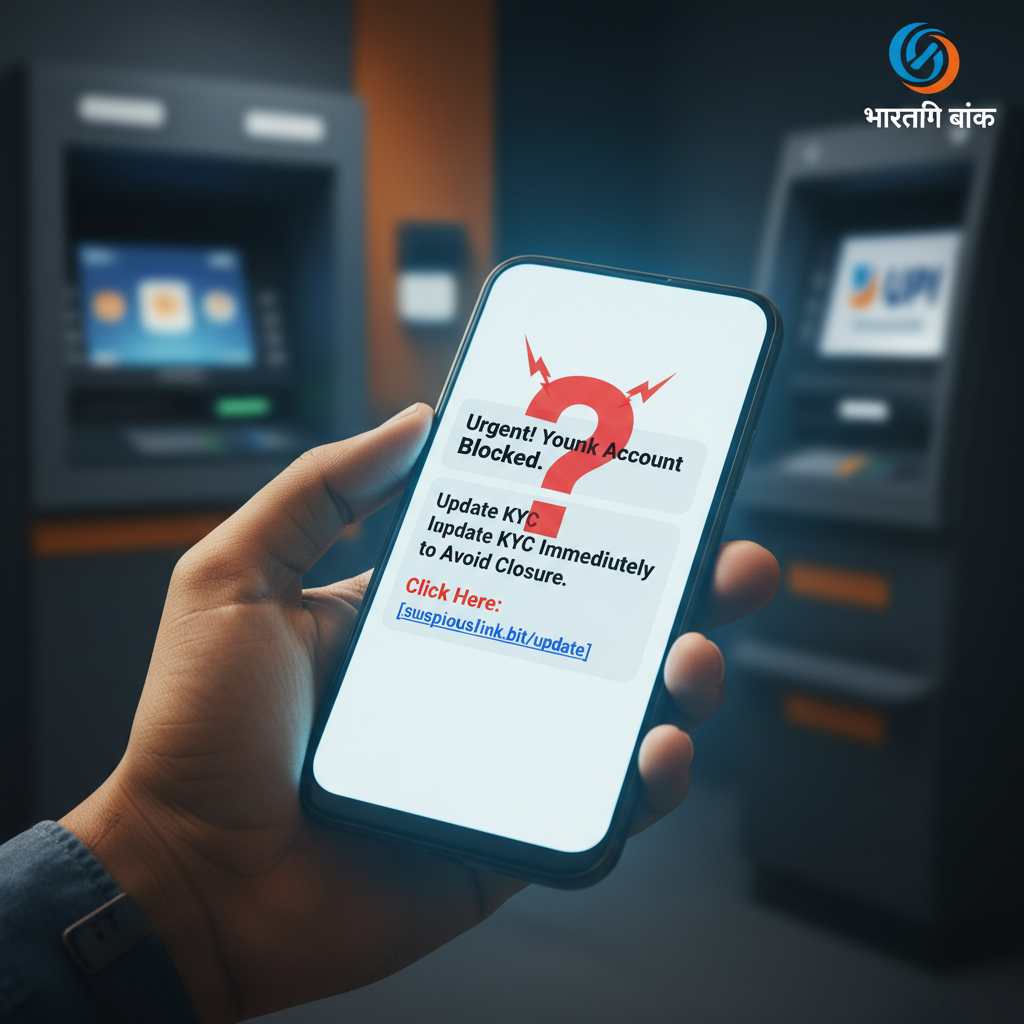
Comments
Be the first to comment.