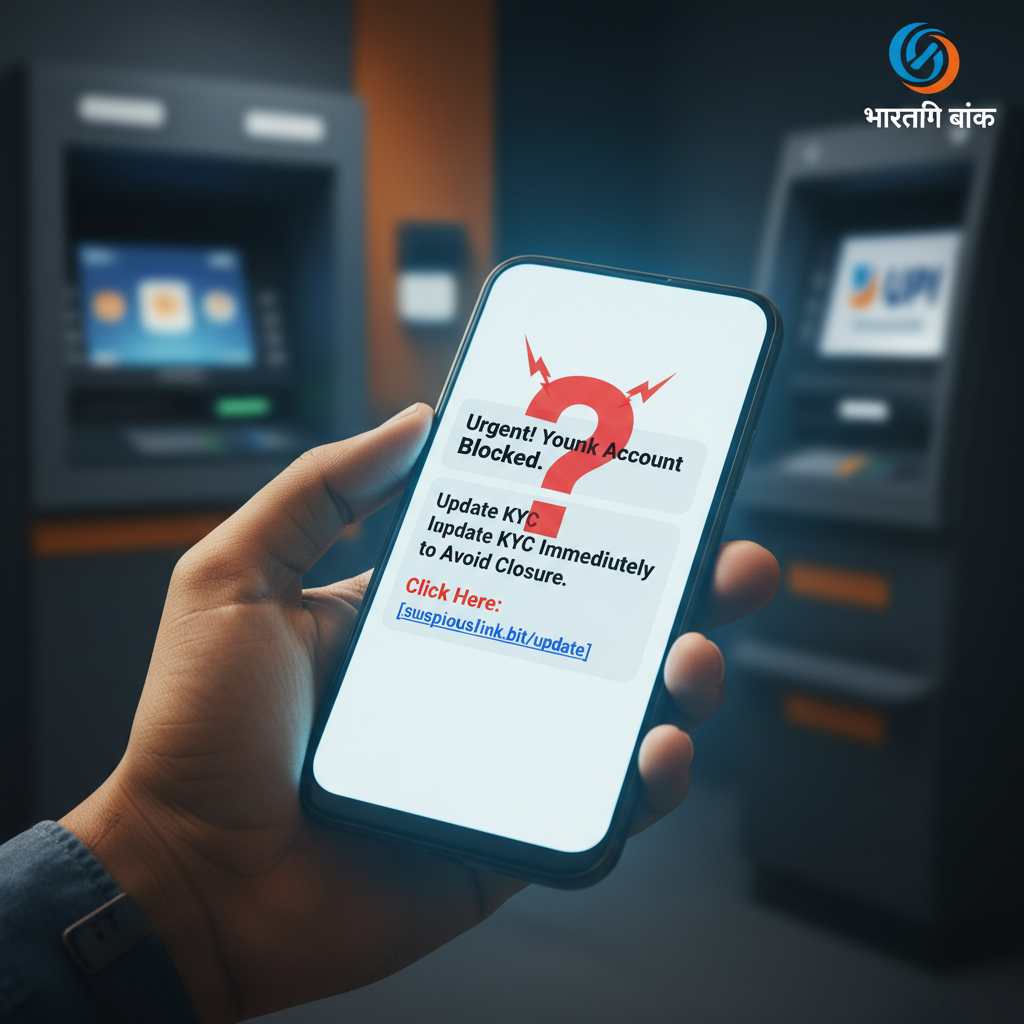
SMS/WhatsApp 'bank account blocked update KYC' link – what to do India 2024?
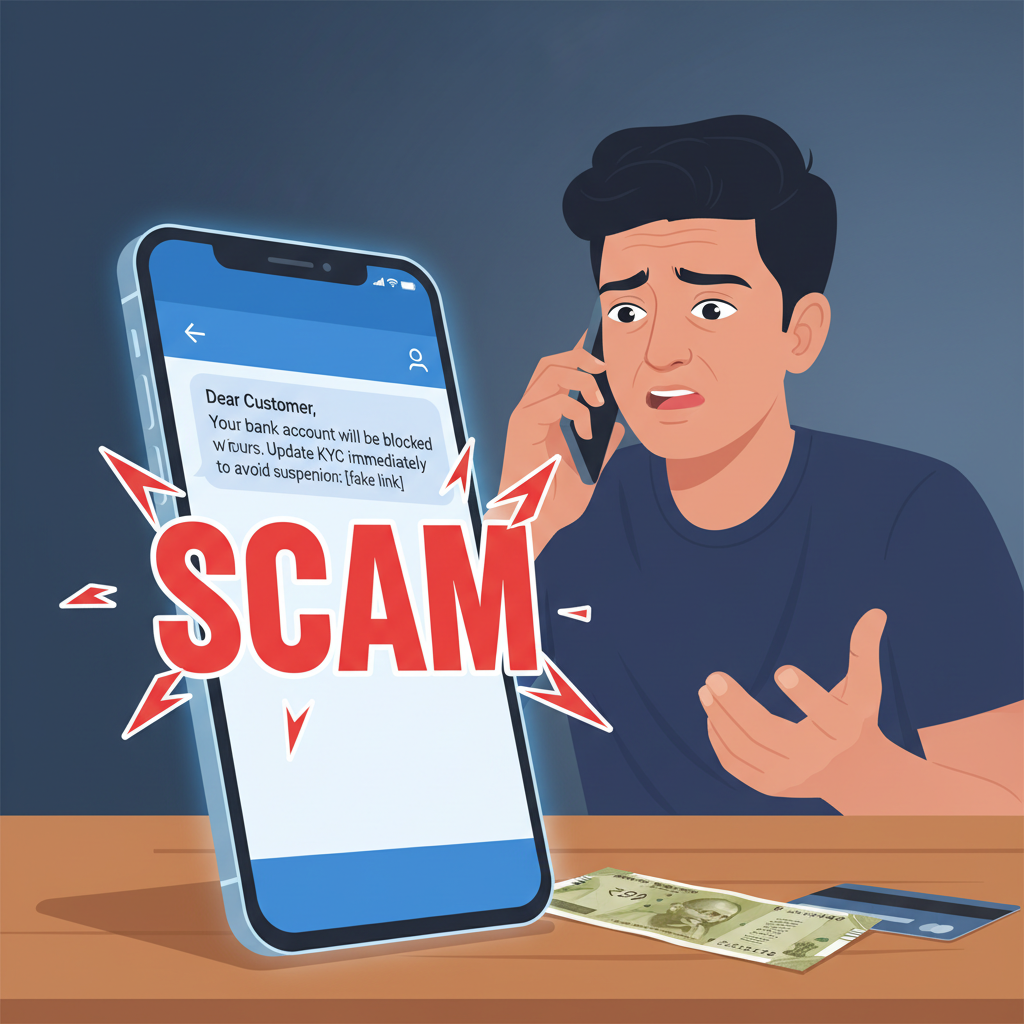
Beware of urgent SMS or WhatsApp messages claiming your bank account will be blocked if you don't update your KYC immediately via a provided link. These messages are sophisticated phishing attempts designed to steal your banking credentials and personal information. Do not click the link or share any details.
How This Scam Works
This scam preys on urgency and fear, particularly the fear of losing access to your hard-earned money. Scammers send mass messages, often via SMS or WhatsApp, designed to look like they're from your bank, telecom provider (like Jio, Airtel, Vodafone), or even government agencies like TRAI or RBI. The message typically states that your KYC (Know Your Customer) documents are incomplete, expired, or require urgent re-verification. It then threatens that your bank account, SIM card, or service will be blocked, deactivated, or suspended if you don't act *immediately*. The core of the scam is a malicious link embedded in the message. This link directs you to a fake website that meticulously imitates the legitimate online portal of your bank or service provider. Once on this fraudulent site, you'll be prompted to enter sensitive information such as your bank account number, debit/credit card details (including CVV and expiry date), UPI PIN, Aadhaar number, PAN details, and even your Net Banking username and password. Sometimes, the scam goes a step further, asking you to install a remote access app like AnyDesk or TeamViewer, which gives the scammer direct control over your device. The moment you submit these details, they are instantly captured by the scammer. They then use this stolen information to perform unauthorized transactions, empty your bank account, apply for loans in your name, or commit other forms of identity theft. They might even call you under the guise of "customer support" to extract an OTP (One-Time Password) that arrives on your phone, claiming it's for "verification" when in reality, it's for authorizing a fraudulent transaction. This scam is especially prevalent in India, where digital transactions and KYC norms are common, making it a fertile ground for such attacks.
Red Flags
- Urgent and Threatening Language:** Messages using phrases like "Your account will be blocked immediately," "Act now or lose access," or "Urgent KYC update required" are classic scammer tactics to induce panic and prevent rational thinking.
- Suspicious Links:** Always be wary of links in SMS or WhatsApp messages. Legitimate banks and financial institutions rarely ask you to update sensitive information via a clickable link in a message. Even if the link looks similar, hover over it (on a desktop) or long-press it (on mobile, without clicking) to see the actual URL. Scammers often use slight misspellings or extra characters.
- Requests for Full Banking Details:** A genuine bank or service provider will never ask for your full debit/credit card number, CVV, PIN, Net Banking password, or OTP via an SMS link or over the phone. They already have most of this information.
- Generic Greetings:** If the message doesn't address you by your name but uses generic terms like "Dear Customer," it's a strong indicator that it's a mass-sent scam.
- Poor Grammar and Spelling:** While not always present, grammatical errors, awkward phrasing, or spelling mistakes can be a giveaway.
- Asks to Install Unknown Apps:** If a message or a subsequent call asks you to install any remote desktop or screen-sharing application (like AnyDesk, TeamViewer, QuickSupport), it's a definite scam.
How to Stay Safe
- Verify Directly:** If you receive a message about KYC, do NOT click any links. Instead, directly contact your bank or service provider using the official customer care numbers listed on their official website or the back of your debit card.
- Never Share OTPs:** One-Time Passwords (OTPs) are the final key to authorizing transactions. Never share an OTP with anyone, even if they claim to be from your bank, RBI, or any government agency. An OTP is for *your* use only.
- Use Official Apps/Websites:** For any banking or service-related tasks, always use the official mobile app downloaded from the Google Play Store or Apple App Store, or type the bank's official website URL directly into your browser. Bookmark frequently used sites.
- Be Skeptical of Offers:** Scammers often combine KYC threats with tempting offers. If something seems too good to be true, it probably is.
- Check Sender ID:** While scammers can spoof sender IDs, be cautious if the message comes from a generic mobile number rather than an alphanumeric sender ID (like 'VM-SBI' or 'BX-HDFCBK') you're familiar with.
- Enable Two-Factor Authentication (2FA):** Always enable 2FA for your bank accounts, email, and social media platforms for an extra layer of security.
If You Are Targeted
- Do Not Panic:** The first rule is to stay calm. Scammers rely on panic to make you make mistakes.
- Do Not Click the Link:** If you haven't clicked the link, simply delete the message and block the sender. Report the message as spam to your telecom provider if possible.
- If You Clicked But Didn't Enter Details:** If you clicked the link but did not enter any personal or banking information, close the browser tab immediately. Run a reputable antivirus/anti-malware scan on your device as a precaution.
- If You Entered Details:**
- Contact Your Bank Immediately:** Call your bank's official customer care helpline (available 24/7) and report the incident. Explain that you've been scammed and your details have been compromised.
- Block Your Card(s):** Ask your bank to immediately block your debit and credit cards that may have been compromised.
- Change Passwords:** Change passwords for all your online banking accounts, UPI apps, email, and any other services where you might have used similar passwords.
- Report to Cybercrime:** File a complaint on the National Cybercrime Reporting Portal: `www.cybercrime.gov.in` or call the helpline 1930. Provide all details of the scam message and any information you shared.
- Inform Family/Friends:** Let your close contacts know you were targeted so they can be vigilant if they receive similar messages from your compromised number.
ScamGuard24 Insight
The Fake KYC Update scam is a perpetual threat because it adapts to current events and regulations. Its success lies in exploiting fear and the perceived authority of banks, making it critical for users to understand that no legitimate institution will ever demand sensitive data over unverified links. Always initiate contact through official channels.
Suspect a scam right now?
Open ScamGuard24 ScannerRecommended protection tools
AffiliateWe may earn a small commission if you sign up — it never changes our editorial picks.
India's most trusted antivirus. Blocks malicious APKs, UPI phishing and fake banking apps.
Get Quick HealAll-in-one mobile security + VPN. Stops phishing links shared on WhatsApp and SMS.
Try Norton 360Stop reusing passwords. Auto-fills only on the real bank site, never on phishing pages.
Get NordPass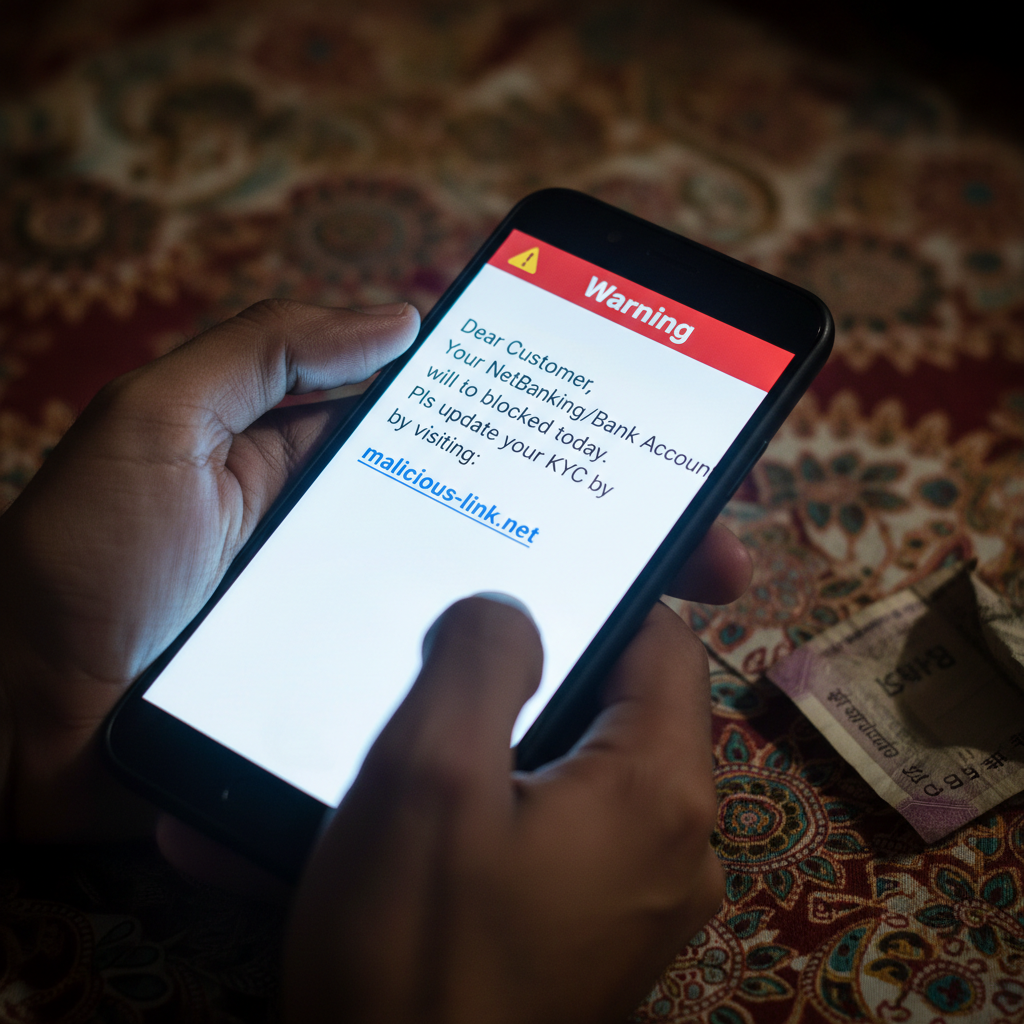

Comments
Be the first to comment.