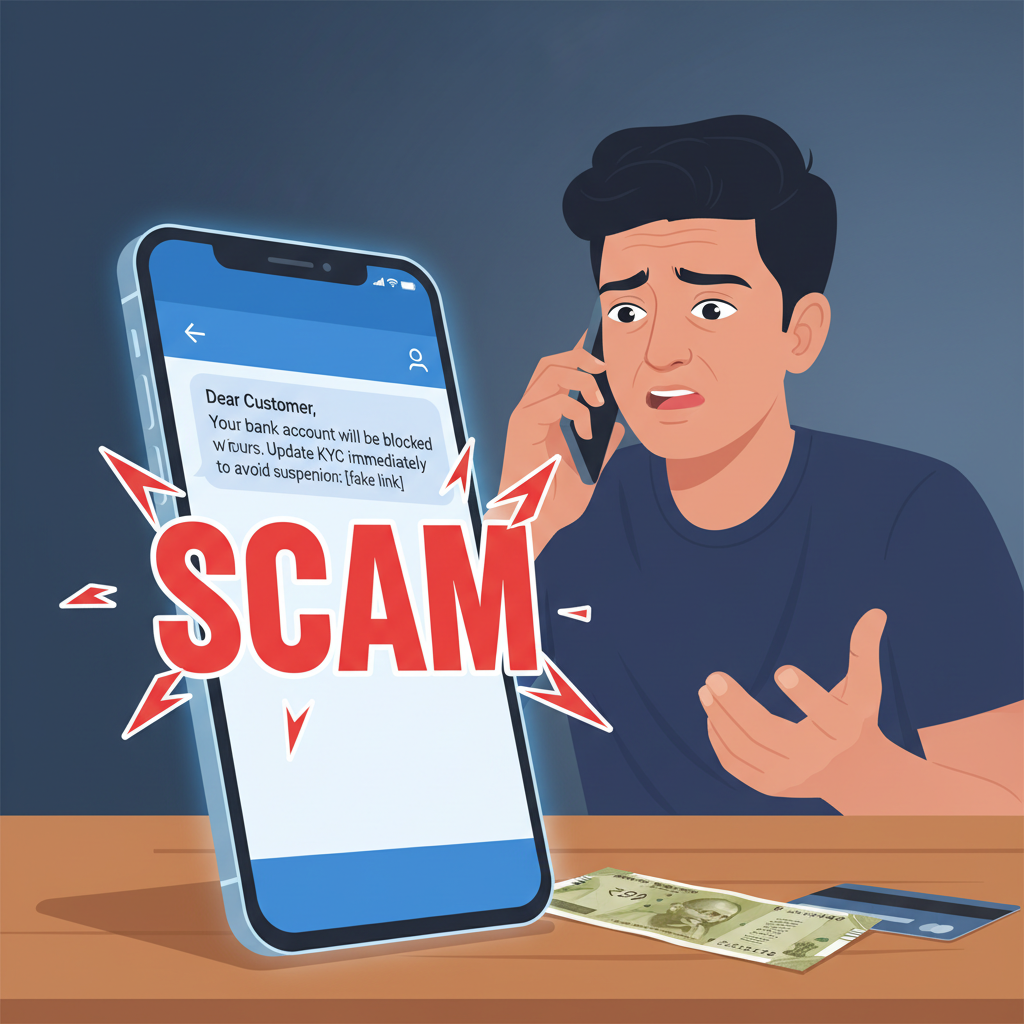
SMS saying 'Your bank account will be blocked' for KYC update – what to do?
Beware of urgent messages from unknown numbers claiming your bank account will be blocked if you don't update your KYC immediately. These are sophisticated phishing attempts designed to steal your personal and financial information. Do not click on any links provided – always verify directly with your bank.
How This Scam Works
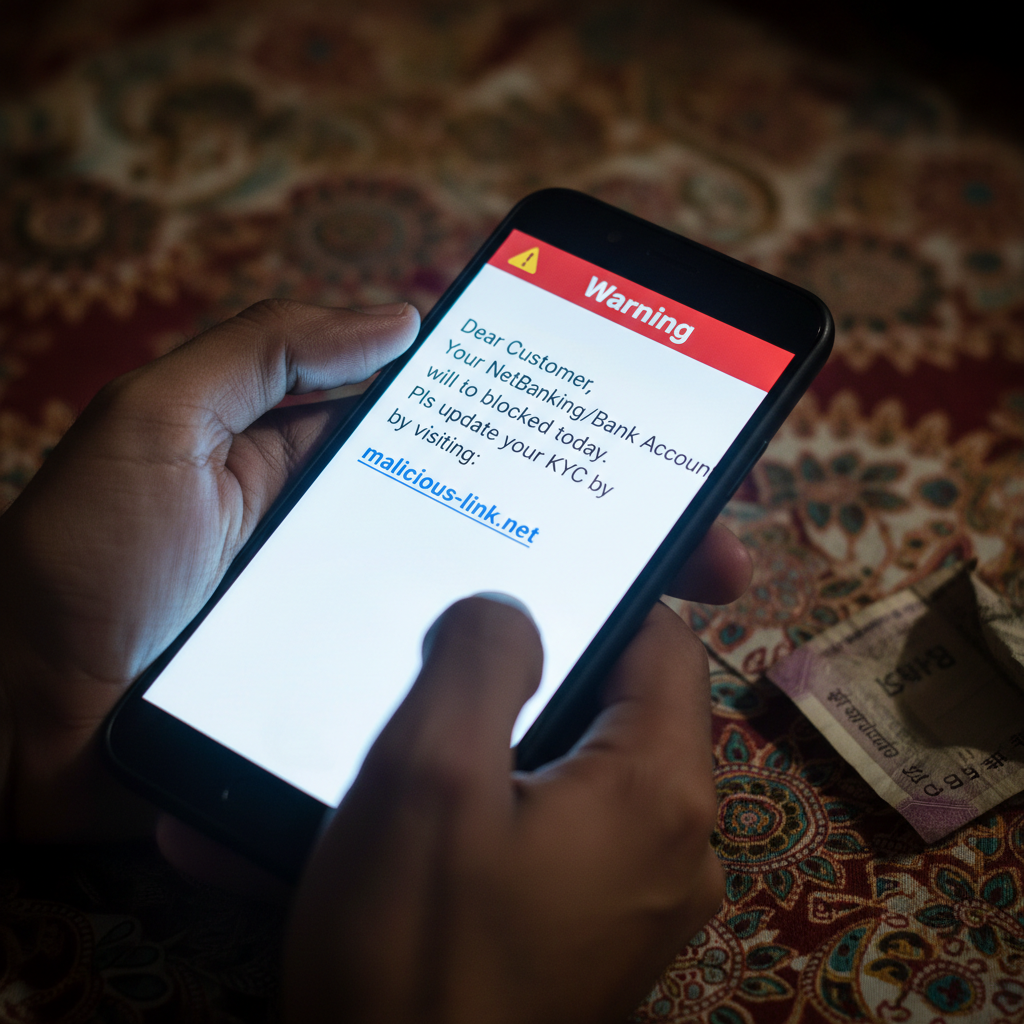
Imagine you receive an SMS or WhatsApp message, seemingly from your bank, saying something alarming like, "Dear Customer, Your Net Banking/Bank Account will be suspended within 24 hours. Please update your KYC immediately by visiting [malicious link]." The message often carries a sense of extreme urgency or threat, hoping to induce panic and quick action without careful thought. This is the hallmark of a "Fake KYC Update" scam, a pervasive and highly effective fraud tactic in India. Scammers leverage fear and the critical importance of financial services in our daily lives. They know that no one wants their bank account blocked, especially in today's digital economy where UPI payments, online transactions, and ATM withdrawals are essential. The messages are often crafted to look genuine, sometimes even mimicking the format or language used by real banks. They might use sender IDs that appear somewhat legitimate, or even use spoofing techniques to make it look like the message originated from a trusted source. Once you click on the provided link, you are typically directed to a fake website that looks identical to your bank's official portal. This fraudulent site is designed to capture all the information you enter. It might ask for your net banking username and password, debit card number, CVV, expiry date, Aadhaar number, PAN details, and even OTPs (One-Time Passwords). The moment you input this sensitive data, it goes straight into the hands of the fraudsters. They can then use this information to drain your bank account, make unauthorized transactions, or even take out loans in your name. Some variants of this scam involve direct calls after you click the link or sometimes even without any prior message. The scammer, posing as a bank official, will guide you through a series of steps, often convincing you to download a remote access app or share an OTP "to complete the update." This gives them direct control over your device or authorization for transactions you didn't initiate. The psychological pressure applied by these scammers is intense, preying on your concern for your financial security. They exploit the fact that many people are not fully aware of how banks conduct KYC updates and the security protocols involved.
Red Flags
- Urgent and Threatening Language:** Messages stating your account will be "blocked," "suspended," or "frozen" immediately if you don't act within a very short timeframe (e.g., "24 hours," "tonight").
- Requests for Personal Information via Unsecured Links:** Asking for sensitive details like net banking credentials, debit card numbers, CVV, Aadhaar, or PAN through a link in an SMS or WhatsApp message.
- Spelling and Grammatical Errors:** While not always present, poorly constructed sentences or common typos can be a giveaway. Real financial institutions usually have professional communication.
- Generic Greetings:** Messages that start with "Dear Customer," "Dear User," or don't address you by your account-specific name are suspicious, as banks often personalize their communications.
- Non-Official Sender IDs/Phone Numbers:** Messages from random 10-digit mobile numbers or unusual alphanumeric sender IDs that don't match your bank's official registered SMS service.
- Unusual Link Domains:** If you hover over the link (on a computer) or long-press it (on a smartphone), you'll often see a web address that looks nothing like your bank's official website (e.g., `bank.kyc-update.com` instead of `yourbank.co.in`).
How to Stay Safe
- Never Click on Suspicious Links:** This is the golden rule. Banks and financial institutions will *never* ask you to update KYC via a link sent through SMS or WhatsApp.
- Verify Directly with Your Bank:** If you receive such a message, ignore it and directly contact your bank using their official customer care number (found on their official website, bank passbook, or debit card) or visit your nearest branch.
- Use Official Channels Only:** For any banking transactions or updates, always use your bank's official mobile app or visit their legitimate website by typing the URL directly into your browser.
- Be Skeptical of Urgency:** Fraudsters create urgency to bypass your critical thinking. Take a moment to pause, think, and verify before taking any action.
- Never Share OTPs or PINs:** Your bank will never call or message to ask for your OTP, ATM PIN, CVV, or net banking password for any reason, including KYC updates. OTPs are meant for *your* authorization of a transaction.
- Report Suspicious Messages:** Block the sender and report the SMS/WhatsApp message as spam to your service provider and to the National Cybercrime Reporting Portal.
- Educate Yourself:** Stay informed about common scam tactics. Follow your bank's official communications for security alerts.
If You Are Targeted
- Do NOT Panic:** If you accidentally clicked the link or provided some information, stay calm.
- Change Passwords Immediately:** If you entered your internet banking username/password, change it immediately on your bank's official website. Change passwords for other accounts if you use the same credentials.
- Contact Your Bank's Fraud Department:** Call your bank's dedicated fraud hotline or customer care number immediately to report the incident. Inform them about the details you might have inadvertently shared.
- Block Your Debit/Credit Card:** If you shared debit/credit card details, block the card immediately through your bank's app, net banking, or by calling customer care.
- Monitor Your Account Statements:** Keep a close watch on your bank account and credit card statements for any unauthorized transactions. Report these to your bank immediately.
- File a Cybercrime Complaint:** Lodge a complaint on the National Cybercrime Reporting Portal (cybercrime.gov.in) or call the helpline number 1930. This is crucial for potential recovery of funds and for law enforcement to track fraudsters.
- Screenshot the Evidence:** Take screenshots of the suspicious message, the link, and any fake website you might have encountered. This evidence will be useful for your bank and police.
ScamGuard24 Insight
This scam's high success rate stems from its ability to weaponize fear and perceived authority. The "blocked account" threat bypasses logical thought, and the imitation of official bank communications makes it tragically convincing to unaware individuals. Users must cultivate a default skepticism towards unsolicited financial requests and prioritize direct bank verification over convenience.
Suspect a scam right now?
Open ScamGuard24 ScannerRecommended protection tools
AffiliateWe may earn a small commission if you sign up — it never changes our editorial picks.
India's most trusted antivirus. Blocks malicious APKs, UPI phishing and fake banking apps.
Get Quick HealAll-in-one mobile security + VPN. Stops phishing links shared on WhatsApp and SMS.
Try Norton 360Stop reusing passwords. Auto-fills only on the real bank site, never on phishing pages.
Get NordPass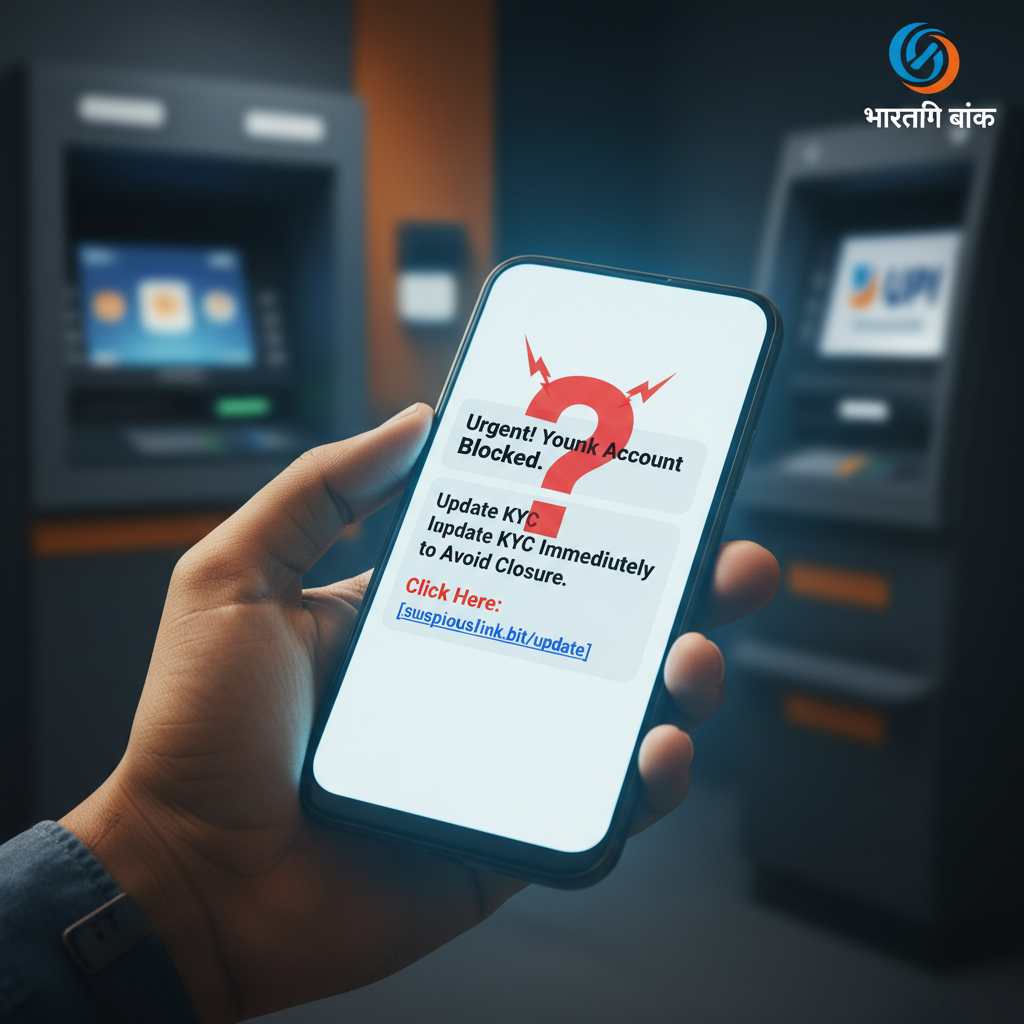

Comments
Be the first to comment.