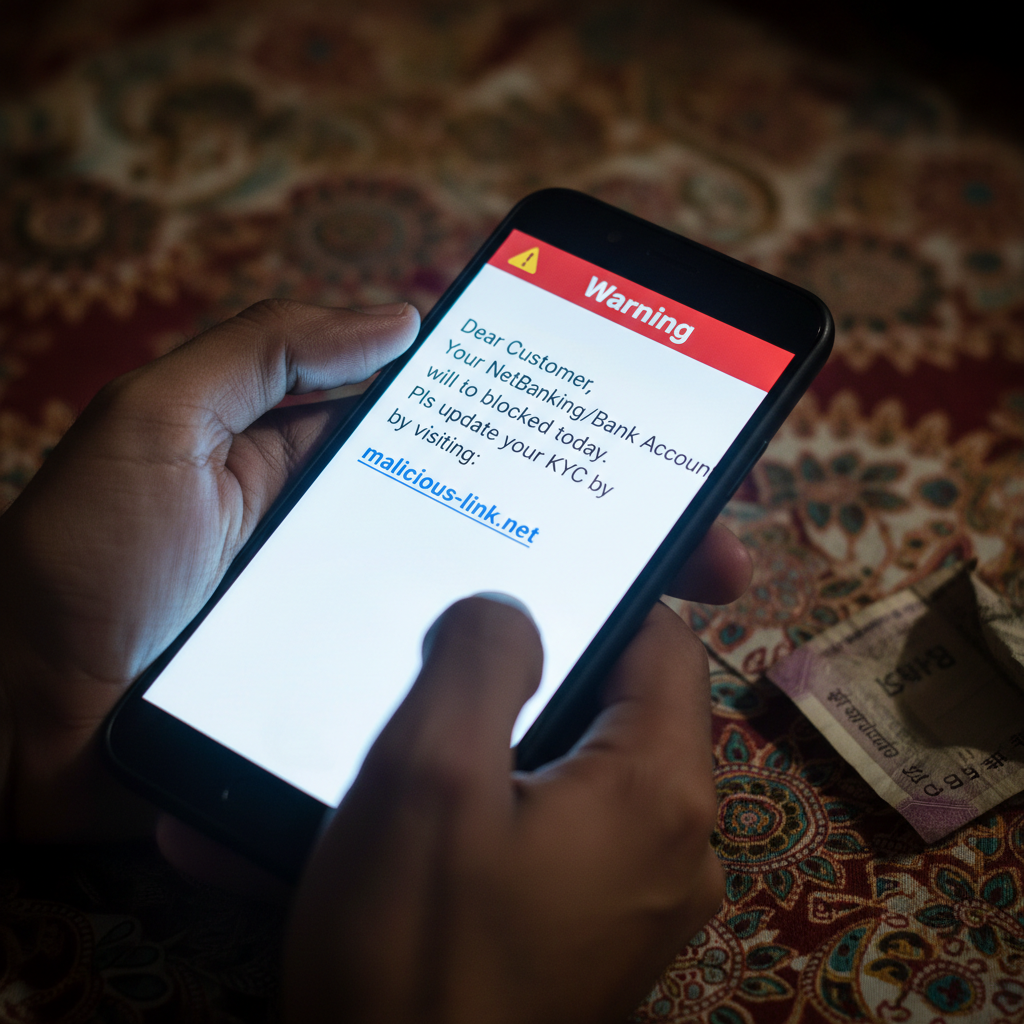
SBI KYC update SMS fake? Bank account block message on WhatsApp what to do?
Fraudsters are sending deceptive SMS and WhatsApp messages, pretending to be from your bank, threatening to block your account if you don't update your KYC immediately. These messages often contain malicious links designed to steal your personal and banking information. This is a high-risk scam that can lead to significant financial loss.
How This Scam Works
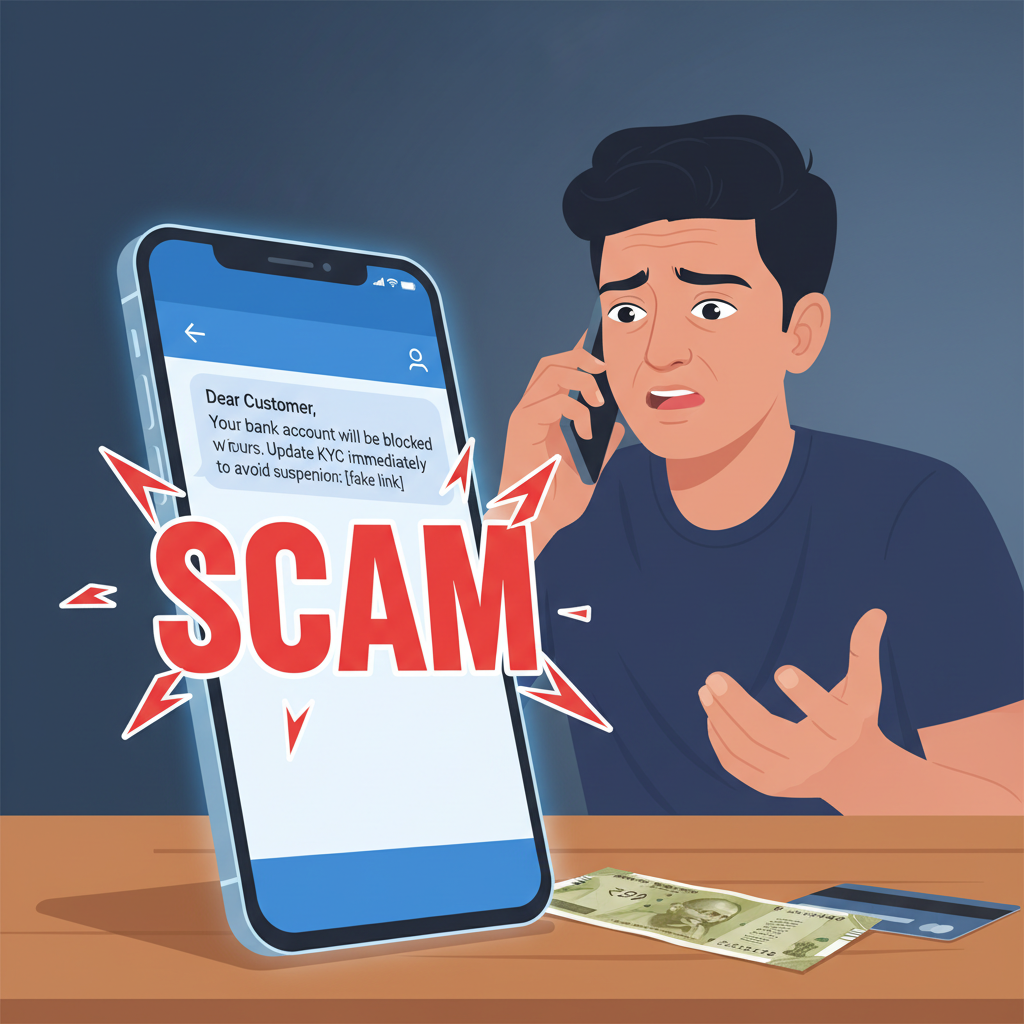
Imagine you're going about your day, and suddenly, an SMS or WhatsApp message pops up. It looks official, perhaps even using your bank's name like "SBI" or "HDFC Bank." The message is urgent, even alarming: "Dear Customer, Your NetBanking/Bank Account will be blocked today. Pls update your KYC by visiting: [malicious link]." Or it might say, "Your Aadhaar linked to your bank account needs immediate KYC update. Click here to prevent account suspension." Panic sets in. The thought of your bank account being blocked, especially in today's digital era where everything from UPI payments to salary credits depends on it, is stressful. You're busy, you might not remember when you last updated your KYC, and the message plays on that fear and urgency. You click the link. It takes you to a website that looks strikingly similar to your bank's official portal. It has the same logo, perhaps even a similar layout. You're prompted to enter your bank account number, customer ID, password, and then, crucially, your OTPs for "verification." This is where the scam truly takes hold. The fraudsters, who are now silently observing your inputs on their "phishing" website, capture all the details you’ve provided. As soon as you enter the OTP, they swiftly use it to conduct unauthorized transactions from your actual bank account – be it transferring funds, making online purchases, or even linking your account to their payment apps. Sometimes, instead of asking for direct banking credentials, the link might prompt you to download a seemingly innocent "KYC update app" or "secure banking app." This is often a remote access Trojan (RAT) or malware. Once installed, it gives the scammers control over your phone, allowing them to view your SMS (especially OTPs), access your contacts, and even bypass legitimate banking app security measures. The scam capitalizes on the widespread awareness and mandatory nature of KYC (Know Your Customer) regulations in India. Banks regularly remind customers about KYC, but they *never* ask for updates via unverified links in SMS or WhatsApp. The fraudsters exploit this legitimate banking requirement to create a facade of authenticity for their nefarious activities. They often use sender IDs that vaguely resemble bank names (e.g., "VM-SBIBNK," "CP-HDFC," or even just a generic mobile number) to further deceive victims.
Red Flags
- Threat of Immediate Account Blocking:** Any message that threatens to block your bank account, debit card, or NetBanking access within a few hours if you don't act immediately is a major red flag. Banks provide ample notice for KYC updates and never use coercive language.
- Suspicious Links:** The SMS/WhatsApp contains a clickable link that is *not* your bank's official website URL. Always hover over (on desktop) or long-press (on mobile, without clicking) the link to see the true URL. It will often have typos, extra words, or look completely unrelated to your bank (e.g., `sbi-kyc.in`, `bankupdate.co.in`, `secure-login.net`).
- Requests for Full Credentials/OTPs:** Legitimate banks will *never* ask you to enter your complete NetBanking username, password, ATM PIN, or any OTP on a third-party link or through an SMS. OTPs are meant for transaction verification, not KYC updates via external links.
- Poor Grammar or Spelling:** While not always present, many scam messages contain grammatical errors, unusual phrasing, or spelling mistakes that are uncharacteristic of official bank communications.
- Generic Greetings:** If the message starts with a generic "Dear Customer" instead of your name, it's a strong indicator of a scam.
- Sender ID:** The message comes from a generic mobile number or a sender ID that looks slightly off or doesn't match your bank's official communication channels.
How to Stay Safe
- Never Click Suspicious Links:** This is the golden rule. If you receive an SMS or WhatsApp about KYC updates, *never* click on any link provided in the message.
- Verify Directly with Your Bank:** If you are genuinely concerned about your KYC status, open your bank's *official* mobile app or visit their *official* website by typing the URL yourself into your browser. Alternatively, call your bank’s customer care number (found on their official website or debit card) to inquire.
- Be Skeptical of Urgency:** Fraudsters thrive on creating panic. Take a moment to think before reacting to messages that demand immediate action to avoid severe consequences.
- Protect Your OTP:** Your One-Time Password (OTP) is the key to your bank account. Never share it with anyone, not even someone claiming to be from your bank, nor enter it on any website that you haven't verified as legitimate.
- Use Official Apps Only:** Download and use only your bank's official mobile banking application from trusted sources like the Google Play Store or Apple App Store.
- Report Suspicious Messages:** Block the sender and report the message as spam to your mobile service provider or directly within the WhatsApp application.
- Regularly Check Account Statements:** Keep an eye on your bank account and credit card statements for any unauthorized transactions.
If You Are Targeted
- Do NOT Panic or Engage:** Do not reply to the message, call the number provided, or click on any links.
- Block the Sender:** Immediately block the number or sender ID from which you received the suspicious message on your phone and WhatsApp.
- Report to Your Bank:** Inform your bank about the attempted fraud. Many banks have dedicated email addresses or helplines for reporting phishing attempts.
- Report to Cybercrime.gov.in:** If you have clicked the link and entered any details, or even worse, lost money, immediately file a complaint on the National Cybercrime Reporting Portal at cybercrime.gov.in, or call their helpline 1930. The sooner you report, the higher the chance of recovering funds.
- Change Passwords (If Compromised):** If you entered your banking credentials (username, password) or ATM PIN on a fake website, change them immediately on your actual bank's official website or app.
- Monitor Your Bank Account:** Keep a very close watch on all transactions in your bank account for the next few days and weeks.
ScamGuard24 Insight
This scam leverages a well-understood regulatory requirement (KYC) to exploit fear and urgency. The sophisticated imitation of bank websites and the use of "account blocked" threats make it particularly effective against even digitally aware individuals. The critical safeguard remains unwavering skepticism towards unsolicited links and a disciplined approach to verifying information only through official channels directly.
Suspect a scam right now?
Open ScamGuard24 ScannerRecommended protection tools
AffiliateWe may earn a small commission if you sign up — it never changes our editorial picks.
India's most trusted antivirus. Blocks malicious APKs, UPI phishing and fake banking apps.
Get Quick HealAll-in-one mobile security + VPN. Stops phishing links shared on WhatsApp and SMS.
Try Norton 360Stop reusing passwords. Auto-fills only on the real bank site, never on phishing pages.
Get NordPass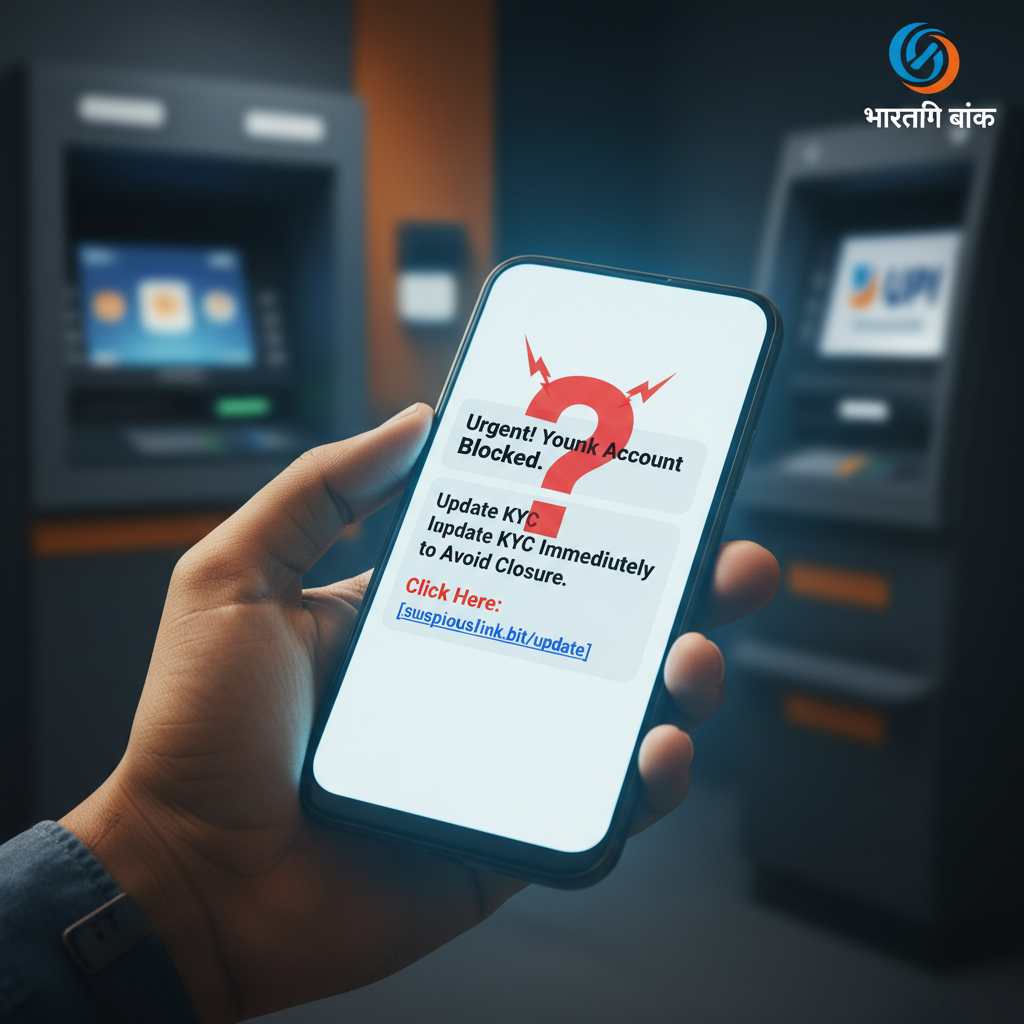

Comments
Be the first to comment.