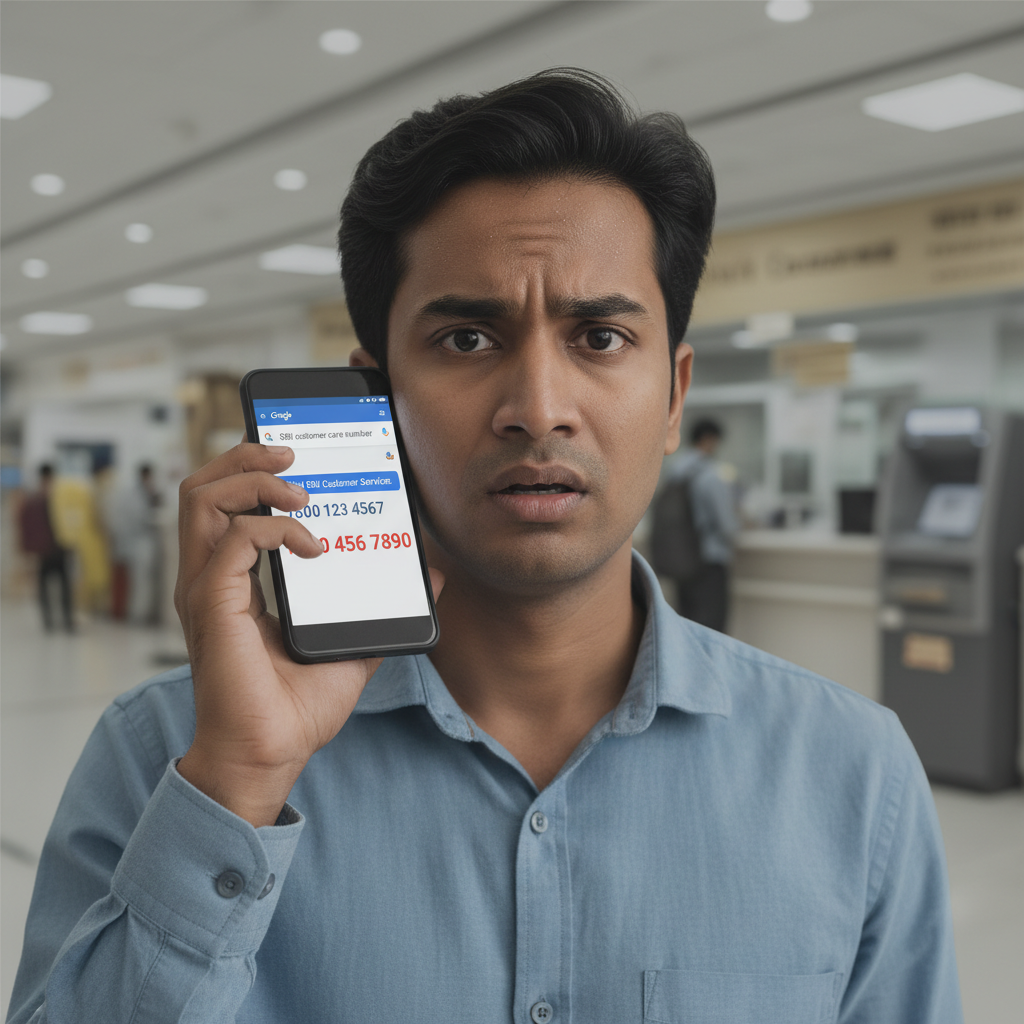
SBI Customer Care Number on Google Fake - What to do in India?
You searched for SBI customer care on Google and accidentally called a scammer posing as a bank representative. This "Fake Customer Care" scam is designed to trick you into revealing sensitive banking information or making unauthorized transactions, leading to potential financial loss.
How This Scam Works
This scam preys on urgency and trust. Imagine your SBI debit card is blocked, or you have an urgent transaction issue. Naturally, your first instinct is to search for "SBI customer care number" on Google. Scammers exploit this by creating fake websites, Google Business profiles, or even paid ads that prominently display their fraudulent contact numbers. These numbers often look very similar to legitimate bank helplines or include extra digits. When you call one of these fake numbers, a seemingly helpful "customer service representative" will answer. They will sound professional, often even using genuine-sounding bank jargon. They will then try to convince you that there's an issue with your account – perhaps a "failed transaction," an "account block," or a "KYC update required." To "resolve" this, they will ask you for sensitive information such as your full debit/credit card number, CVV, expiry date, ATM PIN, online banking username and password, or even your Aadhaar number. A common tactic is to send you a link to a fake portal disguised as SBI's official website, asking you to "verify" your details. They might also instruct you to download a remote access app like AnyDesk or TeamViewer, claiming it's necessary for technical support. Once you install it, they gain full control of your device, access your banking apps, and drain your account. Another prevalent method involves asking you to generate an OTP for a "mock transaction" or "to verify your identity." This OTP, in reality, is for an actual transaction they are initiating from their end. They might even ask you to transfer a small amount as a "processing fee" for a refund or service, which is just money going directly into their pockets. The scam succeeds because victims are often in a distressed state and trust the authority of the "bank representative."
Red Flags
- Unsolicited requests for sensitive data:** Legitimate banks like SBI will NEVER ask for your full debit/credit card number, CVV, ATM PIN, online banking password, or the OTP you receive, over the phone, email, or SMS.
- Pressure to act immediately:** Scammers create a sense of urgency, telling you your account will be blocked, or you'll lose money if you don't comply immediately.
- Instructions to download remote access apps:** If asked to install apps like AnyDesk, TeamViewer, or QuickSupport for "technical support," it's a huge red flag.
- Requests for OTPs for "verification" or "refunds":** An OTP is for authorizing a transaction. If you're not initiating one, never share an OTP.
- URLs that look slightly off:** Always double-check the website address. Scammers use URLs that are similar but not identical to the official SBI website (e.g., sbi.bank.com instead of bank.sbi).
- Poor grammar or spelling in communications:** While not always present, this can be a giveaway in accompanying SMS or emails.
- Phone numbers that don't match official sources:** If the number doesn't match the one on SBI's official website or your physical bank statement, be suspicious.
How to Stay Safe
- Always use official sources for contact information:** For SBI, visit the *official* SBI website (bank.sbi) or use the contact information provided in your official bank statements or passbook. Never rely on numbers from Google Search, unverified social media, or random websites.
- Verify before you call:** If you find a number online, cross-reference it with at least two other reliable sources.
- Never share sensitive information:** Remember, your bank will never ask for your full card number, CVV, PIN, or OTP. If anyone asks, hang up immediately.
- Be wary of remote access apps:** Never install remote desktop software on your phone or computer if prompted by someone claiming to be from your bank.
- Review your bank statements regularly:** Monitor your transactions for any unauthorized activity.
- Enable strong authentication:** Use two-factor authentication (2FA) wherever possible for your banking apps and email.
- Educate yourself and your family:** Share scam awareness with elderly family members or anyone who might be vulnerable.
If You Are Targeted
- Disconnect the call immediately:** As soon as you suspect it's a scam, hang up.
- Do NOT share any information:** If you haven't shared details, you're safe.
- If you shared details or money:**
- Immediately contact your bank's official helpline (found on their official website, not Google search) to report unauthorized transactions and block your card/account if necessary.
- Change your internet banking password and any other linked passwords immediately.
- File a complaint on the National Cybercrime Reporting Portal (cybercrime.gov.in) or call Helpline 1930.
- Keep all records of the scam attempt, including call logs, messages, and any fraudulent URLs.
- Report the fake listing/website:** If you found the fake number on Google Search, you can report the deceptive listing to Google.
ScamGuard24 Insight
This evolving scam targets vulnerable individuals by exploiting their trust in readily available information. The core protection lies in verifying contact details exclusively through official channels and understanding that legitimate financial institutions will never request personal authentication details over calls or messages.
Suspect a scam right now?
Open ScamGuard24 ScannerRecommended protection tools
AffiliateWe may earn a small commission if you sign up — it never changes our editorial picks.
India's most trusted antivirus. Blocks malicious APKs, UPI phishing and fake banking apps.
Get Quick HealAll-in-one mobile security + VPN. Stops phishing links shared on WhatsApp and SMS.
Try Norton 360Stop reusing passwords. Auto-fills only on the real bank site, never on phishing pages.
Get NordPass


Comments
Be the first to comment.