
SBI customer care fake number on Google - what to do if you called?
Many Indians, searching for customer support for banks like SBI on Google, are falling victim to fake customer care numbers. Scammers pose as bank representatives, tricking individuals into revealing sensitive information or making fraudulent transactions. This medium-risk scam can lead to significant financial loss and identity theft.
How This Scam Works
Imagine this common scenario: you need to contact your bank, State Bank of India (SBI), for an urgent query. Naturally, you open Google Search and type "SBI customer care number." Among the genuine results, a cleverly placed fake number, often appearing as an advertisement or a seemingly legitimate but fake website, catches your eye. You dial it, expecting help from your bank. On the other end, a polite individual answers, claiming to be an SBI representative. They sound convincing, often using bank terminology and asking about your "issue." As you explain your problem, they might say they need to "verify your account" or "process a refund." This is where the trap is set. They'll then ask you for sensitive information like your Debit/Credit card number, CVV, expiry date, Net Banking login credentials, or even your UPI PIN. They might even send you a link to a fake "payment gateway" or "app" asking you to enter your details, or instruct you to download a "remote access" app like AnyDesk or TeamViewer, claiming it's necessary to "resolve your issue." Crucially, they might manipulate you into sharing an OTP (One-Time Password) that you receive, assuring you it's for verification purposes. In reality, that OTP is for authorizing a transaction from *your* account. Sometimes, they'll even ask you to "send a small amount" to a specific UPI ID to "activate" a service or "confirm" your account, which is a direct transfer to the scammer. The moment you provide this information or authorize a transfer, your account is compromised. The scammer quickly drains your funds, makes unauthorized purchases, or uses your banking details for other fraudulent activities. By the time you realize what's happened, it's often too late, leaving you in a state of shock and financial distress. The sophisticated nature of their lies, combined with the urgency and trust associated with a bank, makes this a potent and dangerous scam.
Red Flags
- Unsolicited requests for sensitive data:** Any legitimate bank will never ask for your full Debit/Credit card number, CVV, expiry date, Net Banking password, UPI PIN, or full Aadhaar number over the phone, email, or SMS. They might ask for partial details for verification, but never complete credentials.
- Pressure to act quickly:** Scammers often create a false sense of urgency, telling you that your account will be frozen, a transaction will fail, or a benefit will be lost if you don't act immediately.
- Requests to download remote access apps:** If a "customer care representative" asks you to download apps like AnyDesk, TeamViewer, or QuickSupport to "help you," disconnect immediately. These apps give them complete control over your phone or computer.
- Asking you to share OTPs for "verification":** An OTP is for *authorizing* a transaction, not just for verification. If someone asks for an OTP, they are trying to initiate a transaction from your account. Never share it unless you are personally initiating the transaction.
- Unusual payment requests (e.g., small transfers for "activation"):** Be wary of requests to send a small amount of money (e.g., ₹1, ₹10) to "activate" a service, "verify" your account, or "receive a refund." This is a direct transfer to the scammer.
- Inconsistent website URLs or email addresses:** If they direct you to a website, always check the URL carefully. Scammers use very similar-looking addresses (e.g., "sbi-support.in" instead of "onlinesbi.com").
- The number doesn't match the official bank website:** Always cross-reference any contact number with the *official* bank website (e.g., onlinesbi.com for SBI), not just the first result on Google.
How to Stay Safe
- Always use official sources for contact information:** For any bank, government service, or company, always visit their official website directly (type the URL yourself, do not click on search results for contact numbers) or check official documents for contact numbers.
- Never share sensitive personal or banking information:** Do not disclose your full Debit/Credit card number, CVV, expiry date, Net Banking login, UPI PIN, or OTPs to anyone over the phone, email, or SMS, even if they claim to be from your bank.
- Be suspicious of calls or messages asking for remote access:** Decline any request to download screen-sharing or remote access applications. Your bank will never ask you to do this for customer support.
- Verify calls independently:** If you receive a suspicious call claiming to be from your bank, tell them you will call them back. Then, use the official number (from your bank's website or statement) to call back and verify if the request was legitimate.
- Enable two-factor authentication (2FA):** Where available, always enable two-factor authentication for your banking apps and email accounts. This adds an extra layer of security.
- Regularly review bank statements and transaction history:** Keep a close eye on your accounts for any unauthorized transactions and report them immediately.
- Exercise caution with Google Search results for sensitive information:** Scammers often manipulate search engine results. Be extra vigilant when looking for banking or financial service contact details. Scroll past ads to find official knowledge panels or direct website links.
If You Are Targeted
- Immediately contact your bank:** Call your bank's official fraud helpline (the one on their official website or the back of your Debit/Credit card) and report the incident. Request them to block your card and Net Banking access if details were compromised.
- Change all compromised passwords:** If you shared Net Banking details or other passwords, change them immediately for all associated accounts.
- File a cybercrime complaint:** File a complaint on the National Cyber Crime Reporting Portal (cybercrime.gov.in) or call their helpline at 1930. Provide all details, including the fake number called, the information shared, and any transaction IDs.
- Gather evidence:** Screenshot any messages, note down call times and numbers, and preserve any other evidence related to the scam.
- Inform your family and friends:** Share your experience to help them be aware and avoid falling victim to similar scams.
- Caution against emotional responses:** Do not panic. While it's stressful, acting calmly and systematically will help mitigate the damage.
ScamGuard24 Insight
This scam thrives on urgency and the perceived authority of banks. Always remember that official institutions will never ask for sensitive credentials or remote access over the phone. Your proactive verification is the strongest defence against sophisticated social engineering tactics.
Suspect a scam right now?
Open ScamGuard24 ScannerRecommended protection tools
AffiliateWe may earn a small commission if you sign up — it never changes our editorial picks.
India's most trusted antivirus. Blocks malicious APKs, UPI phishing and fake banking apps.
Get Quick HealAll-in-one mobile security + VPN. Stops phishing links shared on WhatsApp and SMS.
Try Norton 360Stop reusing passwords. Auto-fills only on the real bank site, never on phishing pages.
Get NordPass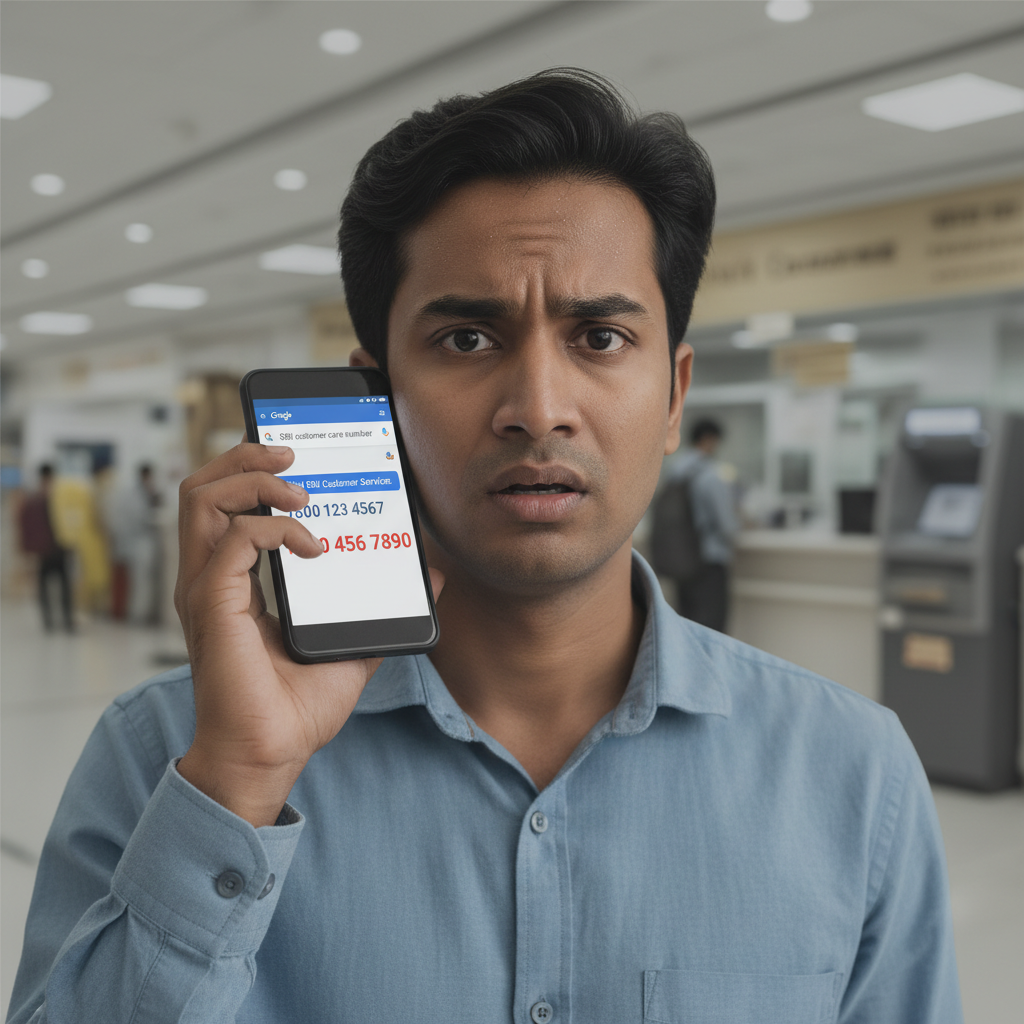


Comments
Be the first to comment.