
Don't Get Fooled: Fake Bank Customer Care on Google!
Searching for customer care numbers online, especially for banks like SBI, can lead you directly into a scammer's trap. Fraudsters create fake websites and Google ads to display their numbers, and when you call, they'll try to steal your money or personal information.
How This Scam Works
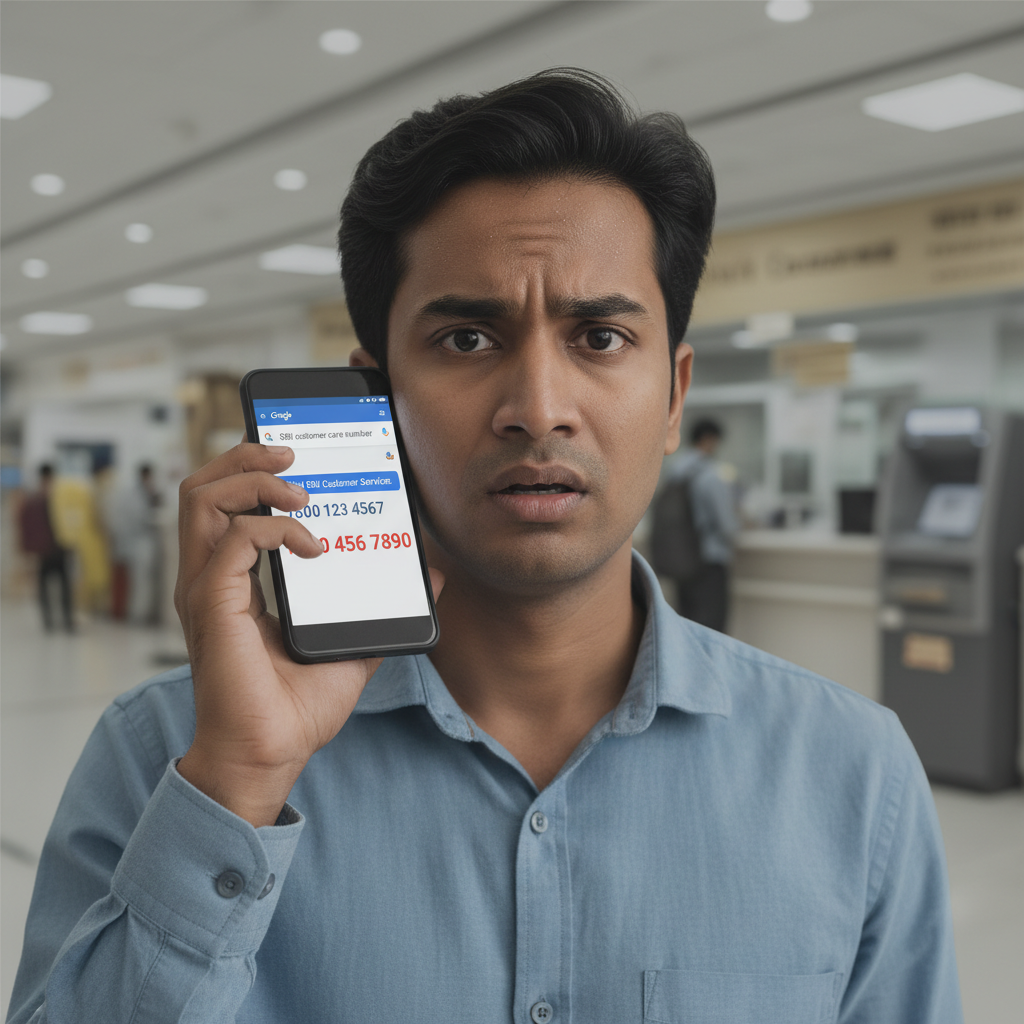
Imagine you're trying to resolve an urgent issue with your State Bank of India (SBI) account – maybe a failed UPI transaction or a blocked debit card. Your first instinct is likely to open Google and search for "SBI customer care number." This is where the scam begins. Scammers are incredibly sophisticated. They create highly deceptive websites that mimic official bank pages, often using similar logos, fonts, and even domain names that are just a letter or two off from the genuine one. They also exploit Google Ads, paying to have their fake numbers appear at the very top of search results, often labeled as "Ad" but looking indistinguishable from organic results. When you dial one of these fake numbers, you'll be greeted by a polite, seemingly professional individual. They'll claim to be from SBI customer service and will empathize with your issue. Their primary goal is to gain your trust and then your financial details. They might ask you to download a "remote access" application like AnyDesk, TeamViewer, or QuickSupport onto your phone or computer, claiming it's necessary to "resolve" your issue or "verify" your account. Once installed, these tools give the scammer complete control over your device, allowing them to see your screen, access your banking apps, and even initiate transactions without your direct interaction. Alternatively, they might ask you for sensitive information directly, such as your debit card number, CVV, expiry date, Aadhaar number, PAN, or even your internet banking login credentials. They might also pressure you to share "OTP" (One-Time Password) received on your phone, falsely stating it's for verification or to "reset" your limits. Remember, legitimate bank representatives will *never* ask you for your full debit card details, CVV, complete internet banking passwords, or OTPs. Once they have control or your critical information, they'll quickly transfer funds out of your account, make fraudulent online purchases, or even apply for loans in your name. By the time you realize what's happened, your money could be gone, and recovering it can be a difficult and lengthy process. This scam relies heavily on urgency and the victim's immediate need for assistance, pushing them to overlook red flags.
How to Stay Safe
- Always Use Official Sources for Numbers:** The safest way to find customer care numbers is from your bank's official website *by typing the URL directly into your browser* (e.g., www.onlinesbi.com for SBI). You can also find them on your bank passbook, official statements, or the back of your debit/credit card.
- Never Share Your OTP:** This is crucial. An OTP is for *your* transaction verification. Sharing it is like handing over the keys to your bank account. No legitimate bank representative will ever ask for it.
- Be Wary of Remote Access Requests:** Absolutely refuse any request to install AnyDesk, TeamViewer, or similar remote access applications on your device.
- Verify Before You Dial:** If you find a number online, cross-reference it with another official source if possible. If something feels off, don't call.
- Beware of "Ad" Results on Google:** While legitimate businesses use ads, scammers exploit them too. Always scroll past the "Ad" sections and look for organic search results from well-known, official domains.
- Regularly Check Bank Statements:** Keep a close eye on your bank account and credit card statements for any suspicious transactions. Report them immediately.
- Educate Yourself and Your Family:** Share this information with elderly family members and anyone who might be less tech-savvy.
If You Are Targeted
- Immediately Disconnect the Call:** As soon as you suspect it's a scam, hang up the phone. Do not engage further.
- Change All Relevant Passwords:** If you shared any passwords or believe your device was compromised, immediately change your internet banking, UPI, and email passwords from a different, secure device.
- Report to Your Bank:** Contact your bank's official fraud department immediately. Explain what happened, including the date, time, and any numbers you called or received calls from. Block your cards if necessary.
- File a Police Complaint:** File a complaint with the cybercrime unit. You can do this online at www.cybercrime.gov.in or by calling the helpline 1930. Provide all details and evidence, including screenshots if you have any.
- Block Your Card (if details shared):** If you inadvertently shared your card number or CVV, call your bank's official helpline (from passbook/official site) to block your card immediately.
- Uninstall Remote Access Apps:** If you installed any remote access software, uninstall it immediately and run a full antivirus scan on your device. Consider factory resetting your phone if you have shared sensitive financial details.
ScamGuard24 Insight
This scam leverages our trust in major institutions and the convenience of online search. Scammers are constantly evolving their tactics, using advanced social engineering to create pressure and bypass critical thinking. Always prioritize direct official channels for critical banking interactions.
Suspect a scam right now?
Open ScamGuard24 ScannerRecommended protection tools
AffiliateWe may earn a small commission if you sign up — it never changes our editorial picks.
India's most trusted antivirus. Blocks malicious APKs, UPI phishing and fake banking apps.
Get Quick HealAll-in-one mobile security + VPN. Stops phishing links shared on WhatsApp and SMS.
Try Norton 360Stop reusing passwords. Auto-fills only on the real bank site, never on phishing pages.
Get NordPass

Comments
Be the first to comment.