
SBI customer care number on Google fake – what to do if you called?
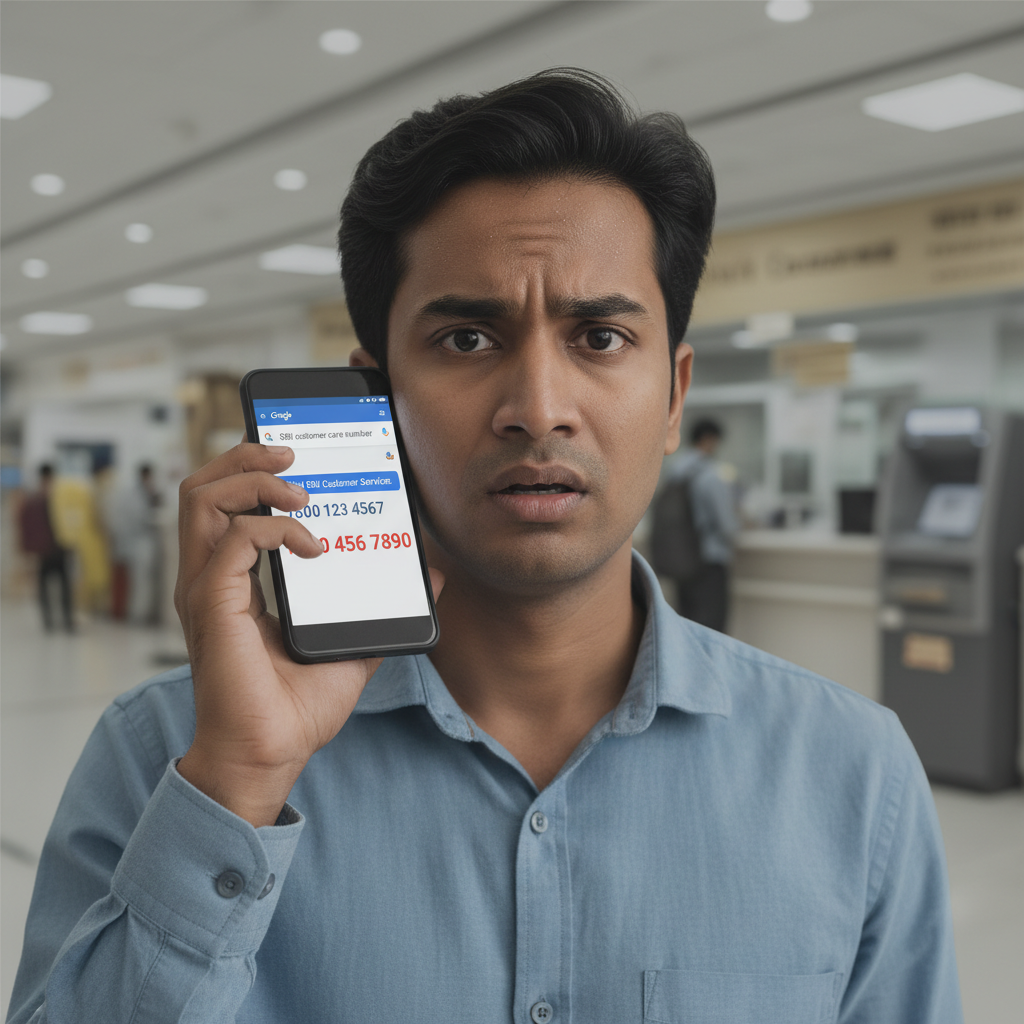
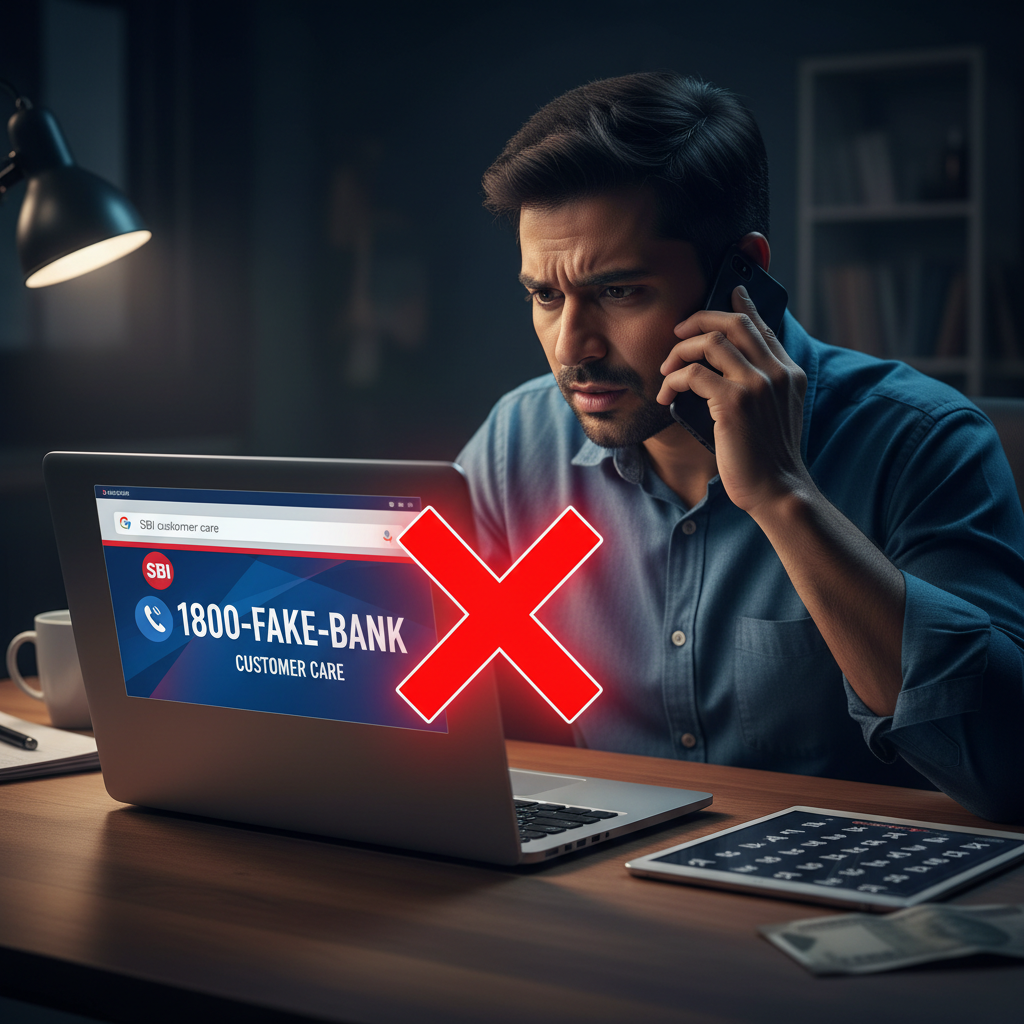
Fraudsters are planting fake customer care numbers for banks like SBI on Google Search, tricking users into calling them. Once on the line, these scammers try to extract sensitive financial information or gain remote access to your device, leading to significant financial loss. This alert details how to identify and protect yourself from this prevalent "Fake Customer Care" scam.
How This Scam Works
The "Fake Customer Care" scam primarily preys on urgency and trust. Imagine you’ve encountered an issue with your State Bank of India (SBI) account – perhaps a transaction failed, your ATM card is blocked, or you need some urgent assistance. Your immediate instinct might be to search for "SBI customer care number" on Google. Fraudsters are well aware of this behaviour. They strategically create fake websites, Google My Business listings, or even pay for ads that prominently display their fraudulent contact numbers, making them appear legitimate in your search results. When you dial one of these fake numbers, you'll be greeted by a seemingly polite and professional individual who claims to be an SBI representative. They will listen patiently to your problem, feigning empathy and understanding. Their goal is to build rapport and gain your trust. Then, the scam begins to unfold. They might ask for seemingly innocuous details first, like your name or your account type. Gradually, they will escalate their requests, citing "verification" or "problem resolution" as reasons. They could ask for your full debit card number, the CVV, your Internet Banking User ID and password, or even your Aadhaar number. A common tactic is to claim they need an OTP (One-Time Password) to "process your request" or "verify your identity." Remember, genuine bank representatives will *never* ask for your full debit/credit card number, CVV, Internet Banking password, or any OTP directly over the phone. Another dangerous tactic is to instruct you to download a "remote access app" like AnyDesk, TeamViewer, or QuickSupport onto your smartphone or computer, claiming it's necessary for their technical team to "diagnose" or "resolve" the issue. Once you grant them access, they can see everything on your screen, including your banking apps, and even take control of your device. They can then initiate transactions, transfer funds, or change your banking details without your knowledge. They might even display fake error messages or pop-ups to distract you while they drain your account. The entire process is designed to be smooth and convincing, leveraging your desperation for a quick solution to your banking problem.
Red Flags
- Suspicious Search Results:** The top results on Google might not always be the authentic bank number, especially if they are ad placements from unknown sources or unverified websites.
- Unusual Demands for Information:** Any customer care executive asking for your full debit/credit card number, CVV, Internet Banking password, UPI PIN, or the OTP received on your phone is a huge red flag. Banks never ask for these details.
- Instructions to Download Apps:** Being asked to download remote desktop access apps like AnyDesk, TeamViewer, or QuickSupport to resolve your issue.
- Pressure and Urgency:** Scammers often create a sense of urgency, claiming your account will be blocked or a transaction will fail if you don't provide details immediately.
- Generic Greetings/Accents:** While not always a definitive sign, be wary of calls with very generic greetings or individuals with unusually strong or unplaceable accents that don't match typical customer service experiences.
- Mismatched Information:** If the number doesn't match the one officially displayed on SBI's official website or your physical bank documents.
How to Stay Safe
- Always Verify, Never Trust:** When searching for customer care numbers, *always* go to the official website of the bank (e.g., www.sbi.co.in) directly by typing the URL into your browser. Do not click on search engine results, especially sponsored ones, without verifying.
- Use Official Sources:** Save the official customer care numbers of your bank directly into your phone contacts from their official website or bank statements.
- Never Share Sensitive Information:** Absolutely *never* share your full debit/credit card number, CVV, Internet Banking password, UPI PIN, or any OTP with anyone over the phone, email, or SMS. Genuine bank representatives will never ask for these details.
- Do Not Download Unsolicited Apps:** Refuse to download any remote access applications (like AnyDesk, TeamViewer, QuickSupport) if asked by someone claiming to be from your bank.
- Report Suspicious Listings:** If you find a fake customer care number on Google, report it to Google immediately to help protect others.
- Educate Yourself:** Stay updated with the latest scam alerts and awareness campaigns from your bank and cybersecurity organizations like ScamGuard.
If You Are Targeted
- Disconnect Immediately:** If you suspect you're speaking to a scammer, end the call immediately. Do not engage further or follow any instructions.
- Block Your Card/Account:** Contact your bank's *official* customer care number (found only on their official website or physical documents) or log in to your internet banking/mobile app to block your debit/credit card and secure your account.
- Change Passwords:** Immediately change passwords for your internet banking, mobile banking, email, and any other linked accounts.
- Report to Bank:** Inform your bank about the incident, providing as many details as possible (time of call, number called, information shared). They can put alerts on your account.
- File a Police Complaint:** File a complaint with the cybercrime cell by calling 1930 or visiting www.cybercrime.gov.in. This is crucial for initiating an investigation and potentially recovering funds.
- Scan Your Device:** If you downloaded any apps or granted remote access, immediately uninstall them and run a full antivirus scan on your device.
- Inform Family/Friends:** Alert your family and friends about the scam to prevent them from falling victim.
ScamGuard24 Insight
This scam leverages a fundamental user behaviour: seeking quick solutions. The increasing sophistication of fake online presences makes it challenging for average users to distinguish authentic customer care information from fraudulent listings. Vigilance and adherence to official channels are paramount to avoid falling victim to these well-orchestrated digital traps.
Suspect a scam right now?
Open ScamGuard24 ScannerRecommended protection tools
AffiliateWe may earn a small commission if you sign up — it never changes our editorial picks.
India's most trusted antivirus. Blocks malicious APKs, UPI phishing and fake banking apps.
Get Quick HealAll-in-one mobile security + VPN. Stops phishing links shared on WhatsApp and SMS.
Try Norton 360Stop reusing passwords. Auto-fills only on the real bank site, never on phishing pages.
Get NordPass
Comments
Be the first to comment.