PhonePe refund QR scam — caller asking to scan code, what to do?
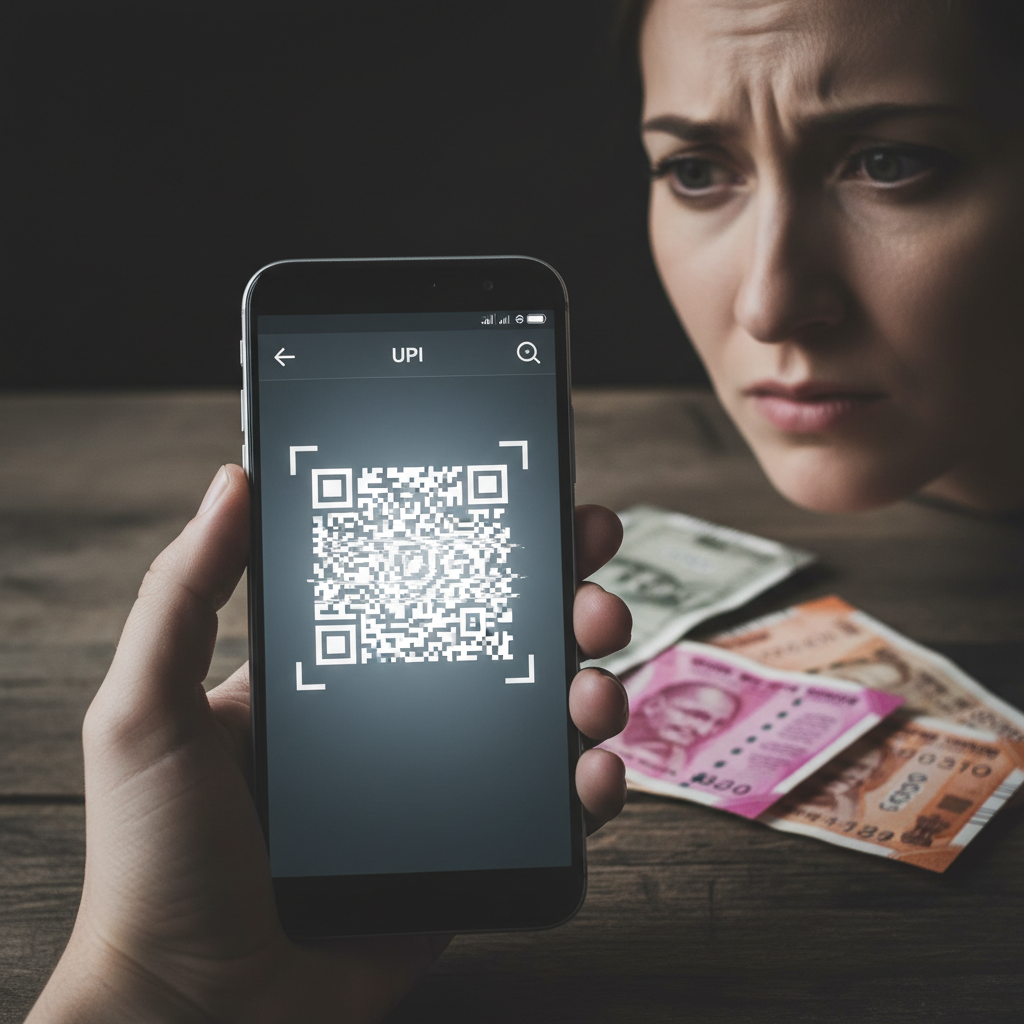
A dangerous new UPI refund scam is targeting users across India. Scammers, posing as customer support, trick victims into scanning QR codes to 'receive' a failed payment refund, resulting in money being debited from their accounts instead. This high-risk fraud exploits trust in digital payments and urgency.
How This Scam Works
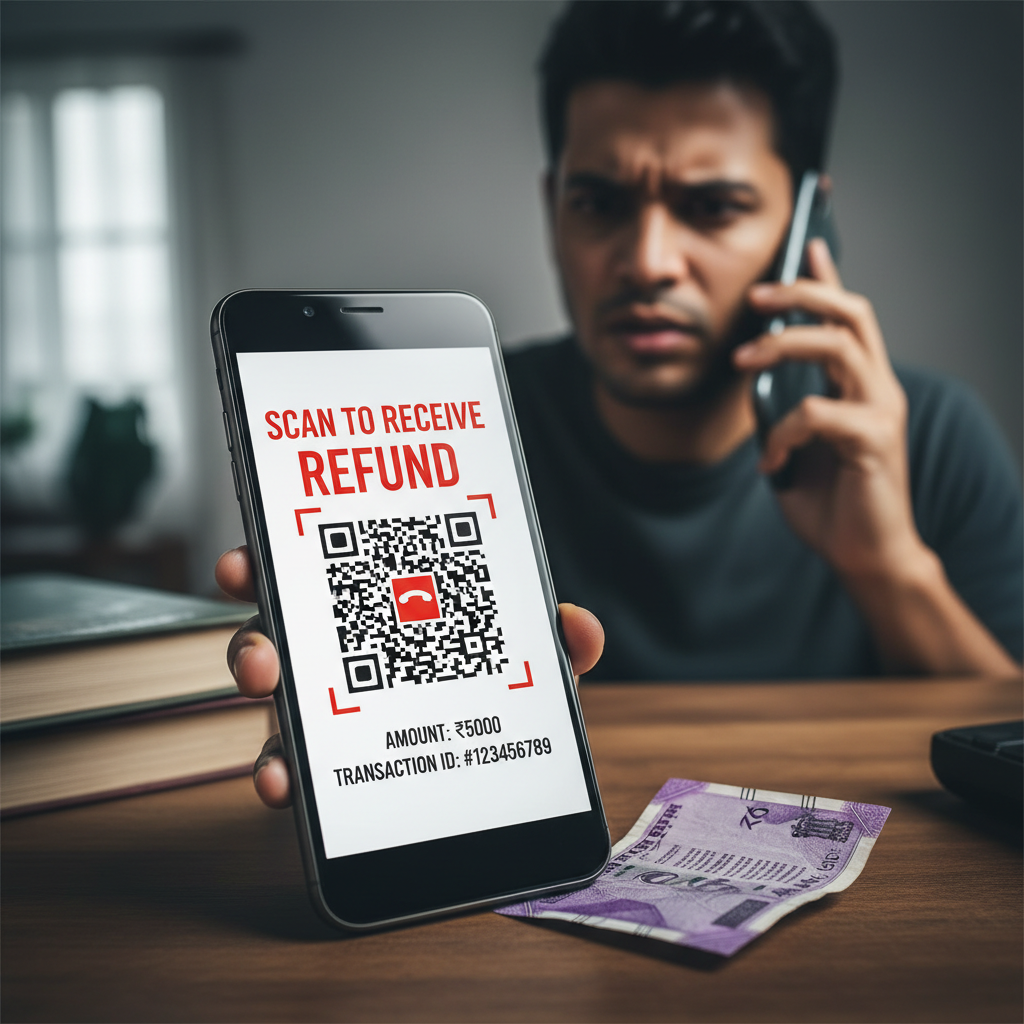
Imagine you've just made a UPI payment – perhaps for groceries, an online order, or a bill – and it appears to have failed. Within moments, your phone rings. The caller introduces themselves as a representative from PhonePe, GPay, or your bank, sounding professional and helpful. They inform you that your recent transaction indeed failed, and they are calling to assist you with the refund process. They will explain that to process the refund, they need you to perform a simple step: scan a QR code. They might send this QR code via WhatsApp, SMS, or even claim to guide you to a "refund portal" where the QR is displayed. They will assure you that scanning this code is merely to "initiate the refund" or "verify your account details" for the refund to be credited. However, here's the crucial twist: when you scan a QR code within a UPI app like PhonePe or GPay, it typically initiates a *payment request*, not a refund. The scammer's QR code is specifically engineered to trigger a request for money *from your account*. The amount displayed might even be disguised, or they might verbally instruct you to enter a specific amount hoping you won't notice it's a debit. When you proceed to "confirm" this transaction, you are effectively authorizing a payment *to the scammer's account*, believing you are receiving a refund. They will often create a sense of urgency, saying the refund window is closing, or that the QR code is only valid for a few minutes. They might also pressure you to share an OTP received on your phone, falsely claiming it's for "refund confirmation." Sharing this OTP will finalize the fraudulent transaction, transferring your hard-earned money directly to their hands. Many victims only realize they've been scammed when they see a debit notification instead of a credit, or when their bank balance takes an unexpected hit.
Red Flags
- Unsolicited Calls/Messages:** Any call or message claiming to be from PhonePe, GPay, or your bank about a refund that you didn't initiate yourself should be treated with extreme suspicion.
- Requests to Scan QR Codes for Refunds:** Legitimate refunds via UPI never require you to *scan a QR code* or *enter your UPI PIN*. QR codes are for *sending* money, not receiving.
- Pressure and Urgency:** Scammers often create a false sense of urgency, claiming the offer is time-sensitive or that you'll lose your money if you don't act immediately. This is to prevent you from thinking clearly.
- Requests for UPI PIN or OTP:** No legitimate representative will ever ask for your UPI PIN, ATM PIN, CVV, or the OTP sent to your phone. These are strictly for your eyes only, to authorize transactions *from your account*.
- Grammatical Errors or Unprofessional Communication:** While sophisticated scammers minimize this, sometimes messages or calls may contain poor grammar, unusual phrasing, or a general lack of professionalism.
- Generic Contact Information:** Scammers rarely provide official contact details or verifiable employee IDs, and their contact numbers might appear as private or unfamiliar mobile numbers.
How to Stay Safe
- Never Scan a QR Code for a Refund:** This is the golden rule. QR codes are primarily for making payments. If someone asks you to scan one for a refund, it's a scam.
- Remember UPI PIN = PAY:** Always remember that your UPI PIN is solely for *sending* money or approving transactions *from* your account. You never need to enter it to *receive* money.
- Verify Directly with Official Channels:** If you have concerns about a failed transaction or refund, always contact PhonePe, GPay, or your bank directly using their official customer care numbers found on their official websites or apps, not numbers provided by the caller.
- Do Not Share OTPs:** One-Time Passwords (OTPs) are like digital signatures. Never share them with anyone, regardless of who they claim to be or what they promise.
- Check Transaction Details Carefully:** Before entering your UPI PIN, always review the transaction details screen. It clearly states if you are "paying" or "receiving" and the amount. Double-check this information thoroughly.
- Be Skeptical of Offers That Seem Too Good To Be True:** Scammers often lure victims with promises of quick refunds or special offers. If it seems suspicious, it probably is.
If You Are Targeted
- Do Not Engage:** If you receive such a call or message, do not engage with the scammer. Do not share any personal details or follow their instructions.
- End the Call Immediately:** If you realize it's a scam call mid-conversation, hang up immediately. Do not feel pressured to stay on the line.
- Block the Number:** Block the scammer's phone number to prevent further attempts.
- Report to Your UPI App and Bank:** Immediately report the incident to PhonePe/GPay's fraud department and your bank. They might be able to help block the fraudulent transaction or account.
- File a Cybercrime Complaint:** Lodge a complaint with the National Cybercrime Reporting Portal at www.cybercrime.gov.in or call their helpline at 1930. Provide all details including caller ID, messages, and transaction IDs.
- Inform Others:** Share your experience with friends and family to make them aware of this scam.
ScamGuard24 Insight
This scam deftly exploits the widespread use of UPI and the natural concern over failed transactions. Its effectiveness lies in manipulating a user's expectation of receiving money, turning an intended credit into an unauthorized debit through a clever misuse of the QR scanning feature. Users must cultivate a critical mindset, always verifying transaction intents before authenticating.
Suspect a scam right now?
Open ScamGuard24 ScannerRecommended protection tools
AffiliateWe may earn a small commission if you sign up — it never changes our editorial picks.
India's most trusted antivirus. Blocks malicious APKs, UPI phishing and fake banking apps.
Get Quick HealAll-in-one mobile security + VPN. Stops phishing links shared on WhatsApp and SMS.
Try Norton 360Stop reusing passwords. Auto-fills only on the real bank site, never on phishing pages.
Get NordPassRelated alerts
 HIGH RISK
PhonePe refund QR scam — caller asking to scan code, what to do?
 HIGH RISK
PhonePe refund QR scam – caller asking to scan code, what to do?
 HIGH RISK
Comments
Be the first to comment.