
PhonePe refund QR scam – caller asking to scan code, what to do?
A dangerous new UPI scam is targeting users, luring them with fake refund offers after a supposed failed transaction. Scammers trick individuals into scanning a QR code, which instead of initiating a refund, drains their bank account. This high-risk scam can lead to significant financial losses if victims aren't careful.
How This Scam Works
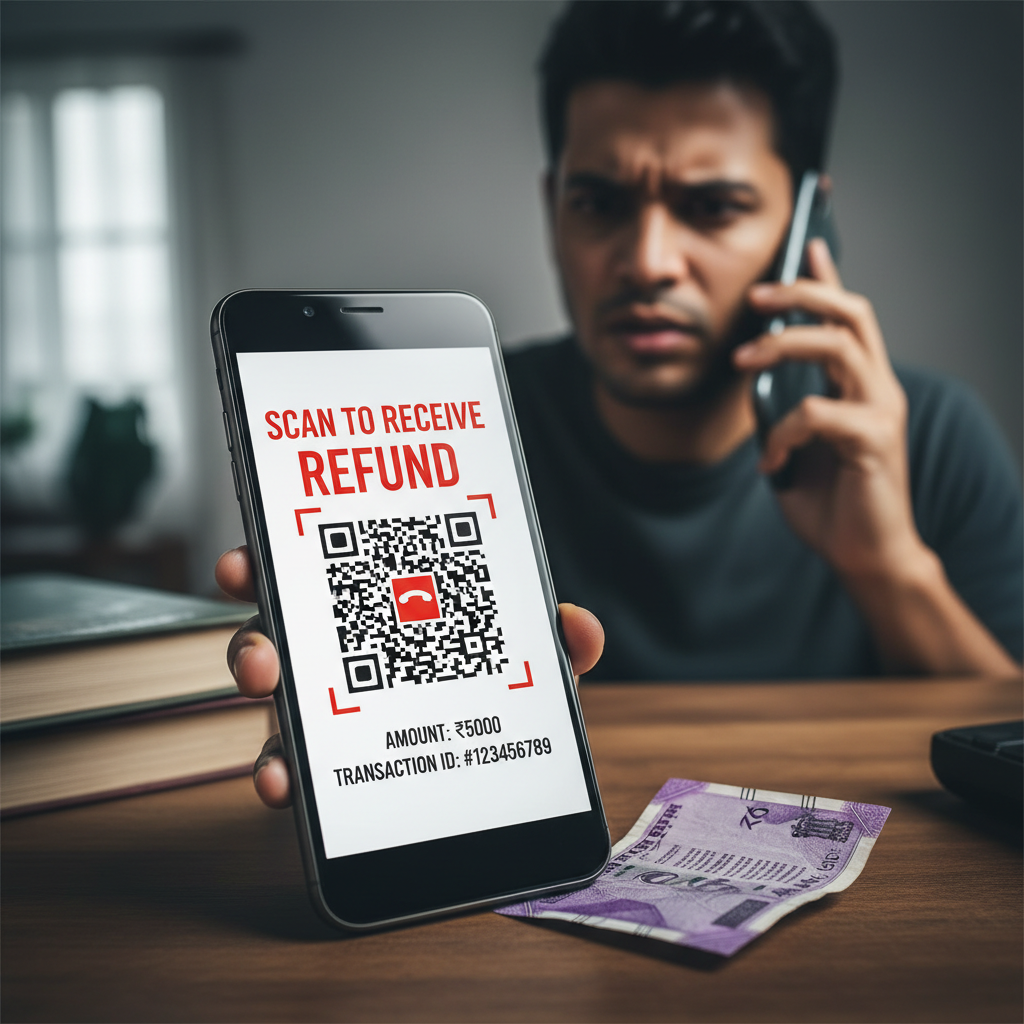
Imagine this scenario: you've just made a UPI payment, perhaps for groceries, an online order, or a bill. Suddenly, your phone rings. The caller identifies themselves as a representative from PhonePe, GPay, or your bank, sounding professional and helpful. They inform you that your recent UPI transaction has "failed" or "got stuck" and that a refund is due. To process this refund, they claim, you need to follow a few simple steps. The crucial step they insist upon is "scanning a QR code" or "clicking a link" they will send you. They might even try to sound urgent, saying the refund window is closing soon. Here's the trick: when you scan the QR code they send, or click the link, you are not initiating a refund. Instead, you are approving a payment *to* the scammer. UPI applications often have a "Scan to Pay" feature. The QR code provided by the scammer is cleverly designed to initiate a "collect request" or directly approve a payment *from* your account. The moment you enter your UPI PIN after scanning, you authorize a transaction, transferring your money directly to the scammer's account. They might even walk you through the process, guiding you to accept the "refund" which is actually a "debit" request. Some sophisticated scammers may even share a screenshot of a fake "refund processing" page to gain your trust. They exploit the common understanding of QR codes for payments, reversing the intent to steal your funds instead of refunding them. Once the money is gone, it's incredibly difficult to recover, as UPI transactions are instantaneous.
Red Flags
- Unsolicited Calls About "Failed Transactions":** If you receive a call about a failed transaction you weren't aware of, or even one you were, and the caller demands immediate action, be suspicious. Reputable companies rarely call customers for transaction failures that require sensitive actions like scanning QR codes for refunds.
- Insistence on Scanning a QR Code for a Refund:** This is the biggest red flag. UPI platforms like PhonePe, GPay, or any bank will *never* ask you to scan a QR code to *receive* money. Scanning a QR code is almost exclusively for *sending* money.
- Requests for UPI PIN or OTP (One-Time Password) for a Refund:** Similarly, you never need to share your UPI PIN or an OTP to *receive* money. These are always for *authorizing payments* or *making changes* to your account.
- Urgency and Pressure Tactics:** Scammers often create a sense of urgency ("refund valid only for 10 minutes," "your account will be blocked if you don't comply") to prevent you from thinking clearly or verifying the information.
- Grammar and Spelling Errors in Messages:** If they send you messages or links, look for poor grammar, spelling mistakes, or unprofessional language.
- Asking You to Download Remote Access Apps:** Some scammers might try to trick you into downloading apps like AnyDesk or TeamViewer, giving them remote access to your phone. This is extremely dangerous.
How to Stay Safe
- Always Verify, Never Trust Blindly:** If you receive a call about a transaction issue, hang up and directly contact your bank's official customer care number or the support portal of your UPI app (PhonePe, GPay). Do not use numbers provided by the caller.
- Remember: Receiving Money Never Requires a QR Scan or UPI PIN:** To receive money via UPI, you only need to provide your UPI ID (VPA). You never need to scan a QR code or enter your PIN. Always be wary if someone asks you to do these things for a refund.
- Understand How UPI Works:** Educate yourself on the legitimate functions of UPI. QR codes are for *sending* money. UPI PIN is for *authenticating payments*. An OTP is usually for *authorizing sensitive actions*.
- Do Not Click on Suspicious Links or Scan Unknown QR Codes:** These could lead to phishing websites designed to steal your credentials or initiate unauthorized payments.
- Protect Your UPI PIN and OTP:** Never share your UPI PIN or any OTP with anyone, under any circumstances. They are your digital signature for financial transactions.
- Check Your Transaction History:** Regularly review your UPI transaction history in your app to identify any unauthorized activities.
If You Are Targeted
- Do NOT Scan the QR Code or Click the Link:** Your first and most important step is to simply refuse. Do not engage further.
- Immediately Disconnect the Call:** Don't argue with the scammer. Just hang up.
- Block the Number:** Add the scammer's number to your phone's block list to prevent future calls.
- Report the Incident:**
- National Cybercrime Helpline:** Immediately call 1930 or visit www.cybercrime.gov.in to report the attempted fraud. Provide all details like the caller's number, time of call, and what they claimed.
- Your Bank/UPI App:** Inform your bank and the respective UPI platform (PhonePe, GPay) about the attempted scam. They might be able to flag the number or raise a general alert.
- Inform Others:** Share your experience with family and friends to prevent them from falling victim to similar scams.
ScamGuard24 Insight
This scam's effectiveness lies in its exploitation of immediate gratification and panic. By leveraging the perceived authority of a bank or UPI brand and preying on the desire for a quick resolution to a "failed" transaction, scammers bypass traditional security measures. Always remember that legitimate customer service will never ask you to compromise your security credentials to resolve an issue.
Suspect a scam right now?
Open ScamGuard24 ScannerRecommended protection tools
AffiliateWe may earn a small commission if you sign up — it never changes our editorial picks.
India's most trusted antivirus. Blocks malicious APKs, UPI phishing and fake banking apps.
Get Quick HealAll-in-one mobile security + VPN. Stops phishing links shared on WhatsApp and SMS.
Try Norton 360Stop reusing passwords. Auto-fills only on the real bank site, never on phishing pages.
Get NordPassRelated alerts
 HIGH RISK
PhonePe refund QR scam — caller asking to scan code, what to do?
 HIGH RISK
PhonePe refund QR scam — caller asking to scan code, what to do?
 HIGH RISK
Comments
Be the first to comment.