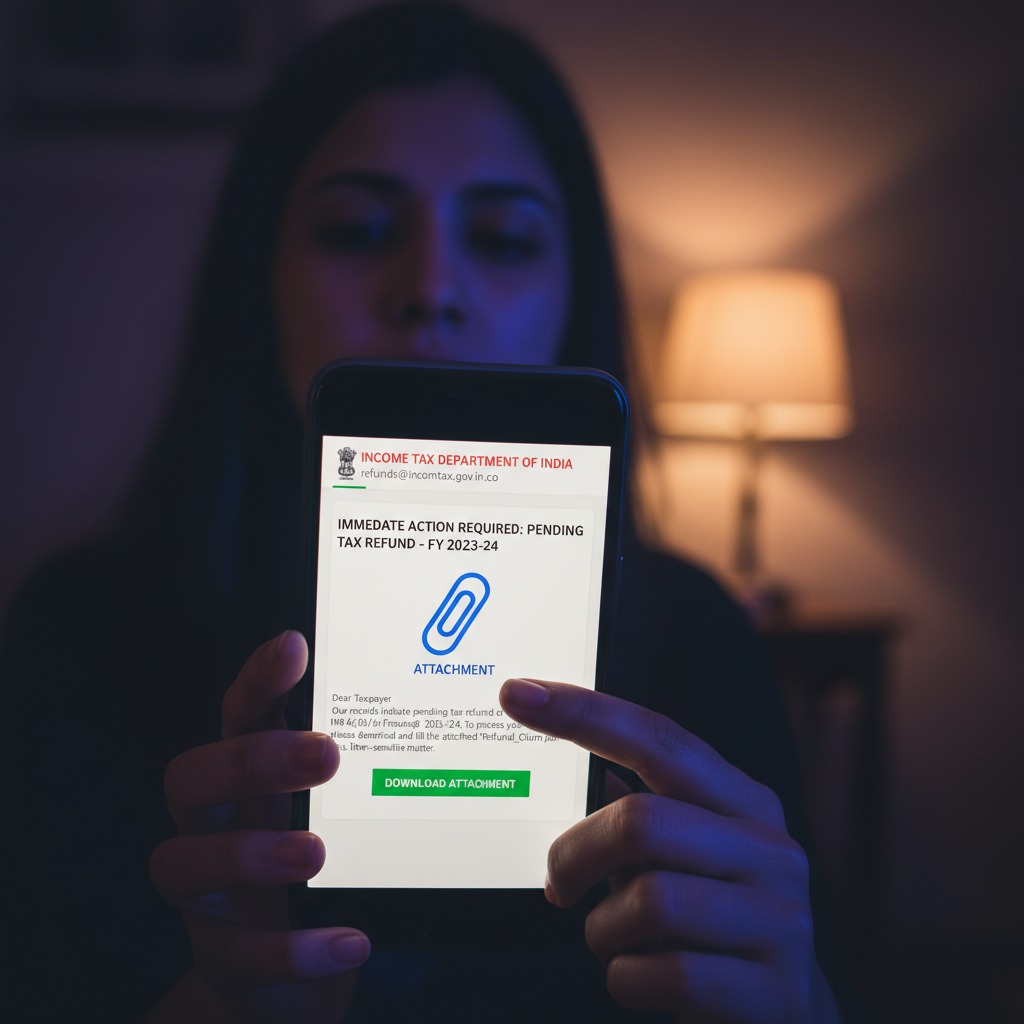
Income Tax refund email India, attachment with malware, what to do?
Fraudulent emails disguised as official Income Tax Department communications are circulating, claiming you're due a refund. These emails often contain malicious attachments that, once downloaded, install powerful malware designed to steal your sensitive banking details and other personal information, leading to severe financial loss.
How This Scam Works
Imagine this: you're browsing your inbox, and an email pops up from what looks exactly like the Income Tax Department of India. The subject line is urgent – "Income Tax Refund Pending - Action Required" or "Your Tax Refund is Processed." You open it, perhaps even relieved that a refund is coming your way. The email body looks legitimate, complete with official-sounding language, logos, and a calculated refund amount. It then instructs you to "download your refund statement" or "verify your details" by clicking on an attached document, usually a PDF, Word document, or even a ZIP file. Here's the insidious part: that attachment is not a harmless document. It's cleverly disguised malware, specifically a powerful variant like SilverFox, designed to infiltrate your computer or smartphone. Once you click and open it, the malware silently installs itself in the background. It then begins its mission – to meticulously scan your device for banking credentials, UPI transaction history, credit card numbers, Aadhaar details, and any other financial information it can find. It might even create a backdoor, allowing scammers remote access to your system. The scammer's goal is to empty your bank accounts, conduct fraudulent online purchases, or even use your stolen identity for other criminal activities. By the time you realize your refund isn't coming, your savings might already be gone, leaving you with a significant financial and emotional burden.
Red Flags
- Urgent and Threatening Language:** Scammers often use phrases like "Immediate Action Required," "Your Refund Will Expire," or "Failure to Comply Will Result in Penalties" to create panic and bypass your critical thinking. Real government communications rarely use such high-pressure tactics.
- Suspicious Sender Email Address:** Always check the sender's email address. While the display name might say "Income Tax Department," the actual email address will often be a generic Gmail, Outlook, or a slightly misspelled official domain (e.g., irs.gov.in instead of incometax.gov.in).
- Unsolicited Attachments:** The Income Tax Department typically does not send executable files or documents requiring you to download to claim a refund. Official communications for refunds are usually processed directly or involve logging into your e-filing portal.
- Grammatical Errors and Typos:** Even in seemingly professional-looking emails, watch out for spelling mistakes, awkward phrasing, or grammatical errors that are uncharacteristic of official government correspondence.
- Request for Personal Information via Email:** Legitimate organizations, especially government bodies, will never ask for sensitive personal details like bank account numbers, ATM PINs, OTPs, or full Aadhaar numbers directly via email.
- Generic Salutations:** The email might start with a generic "Dear Taxpayer" instead of addressing you by name, indicating a mass phishing attempt.
- Link to External (Non-Government) Websites:** If there's a link to "verify your details," hover over it (without clicking!) to see the actual URL. If it directs you to a suspicious or non-government domain, it's a scam.
How to Stay Safe
- Verify Directly:** If you receive an email claiming to be from the Income Tax Department regarding a refund, *do not* click on any links or download attachments. Instead, independently navigate to the official Income Tax e-filing portal (incometax.gov.in) and log in to check your refund status directly.
- Never Download Attachments from Suspicious Emails:** Be extremely cautious about opening ANY attachments, especially those from an unknown or suspicious sender. If the email feels off, delete it.
- Use Strong Antivirus/Anti-Malware Software:** Ensure your computer or smartphone has up-to-date antivirus and anti-malware software installed and running. Regularly scan your devices for threats.
- Enable Multi-Factor Authentication (MFA):** Wherever available for your banking, email, and other critical accounts, enable MFA. Even if your password is stolen, the extra layer of security can prevent unauthorized access.
- Be Skeptical of Urgency:** Any email creating artificial urgency or pressure should immediate raise a red flag. Take your time to verify before acting.
- Educate Yourself and Others:** Share scam awareness information with your friends and family, especially elderly relatives who might be more vulnerable.
If You Are Targeted
- Disconnect from the Internet Immediately:** If you suspect you've clicked on a malicious attachment or a dubious link, disconnect your device from the internet (turn off Wi-Fi, unplug Ethernet) to prevent further data exfiltration or malware spread.
- Change All Passwords:** Use another secure device to immediately change passwords for all your critical online accounts, especially banking, email, UPI apps (like Google Pay, PhonePe, Paytm), and other financial services. Use strong, unique passwords for each.
- Inform Your Bank and Block Cards:** Contact your bank's fraud department immediately. Explain what happened, monitor your account activity closely, and consider blocking any compromised credit/debit cards.
- Run a Full System Scan:** Perform a comprehensive scan of your device using reputable antivirus/anti-malware software. Consider professional help if you're unsure how to clean your system effectively.
- Report the Incident:** File a complaint on the National Cybercrime Reporting Portal (cybercrime.gov.in) and notify the Income Tax Department by reporting the phishing email. Keep records of all communications and actions taken.
- Monitor Your Credit Report:** Regularly check your credit report for any unauthorized accounts opened in your name.
ScamGuard24 Insight
This scam leverages a victim's natural desire for financial relief and exploits trust in government institutions. The use of sophisticated malware like SilverFox signifies a well-organized criminal operation, making vigilance and proactive security measures absolutely critical for every Indian taxpayer.
Suspect a scam right now?
Open ScamGuard24 ScannerRecommended protection tools
AffiliateWe may earn a small commission if you sign up — it never changes our editorial picks.
India's most trusted antivirus. Blocks malicious APKs, UPI phishing and fake banking apps.
Get Quick HealAll-in-one mobile security + VPN. Stops phishing links shared on WhatsApp and SMS.
Try Norton 360Stop reusing passwords. Auto-fills only on the real bank site, never on phishing pages.
Get NordPassRelated alerts
 HIGH RISK
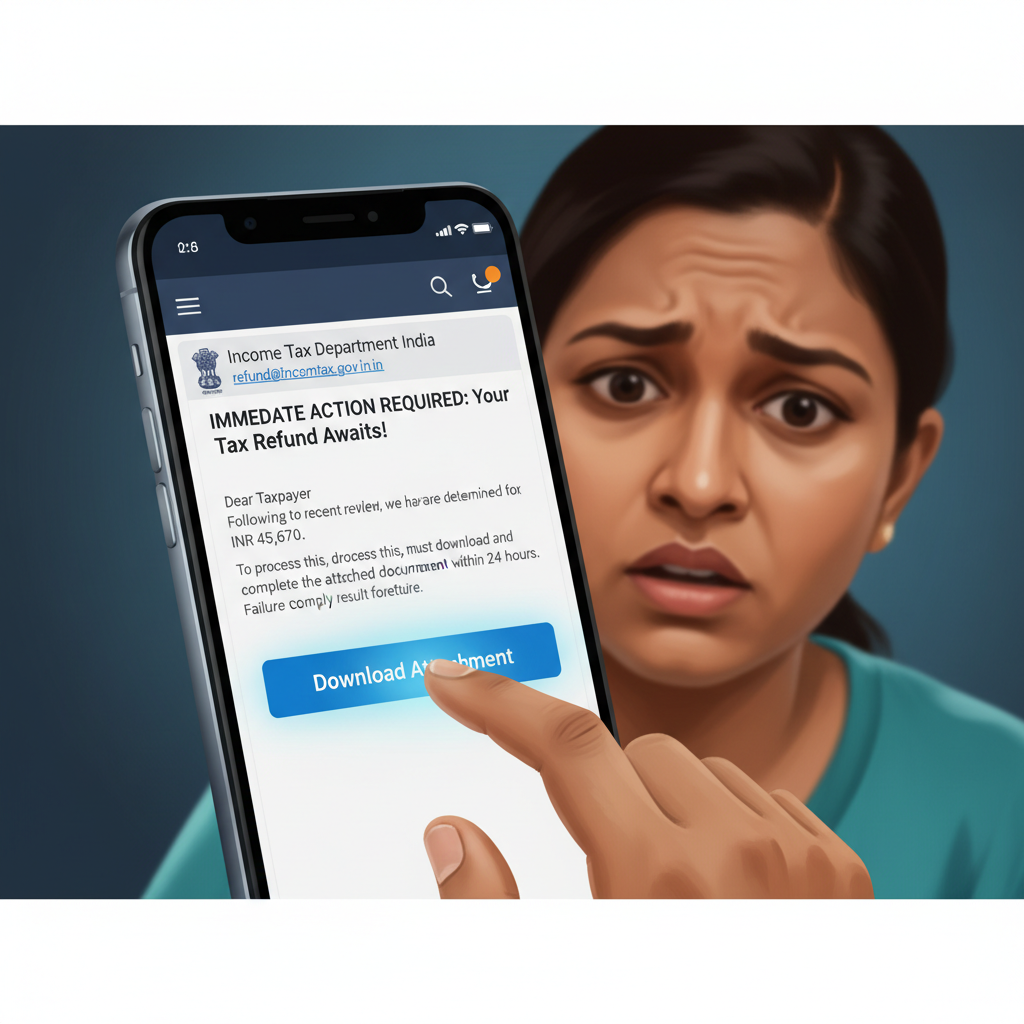
Income Tax refund email with attachment on Gmail - is it real or a scam?
 HIGH RISK
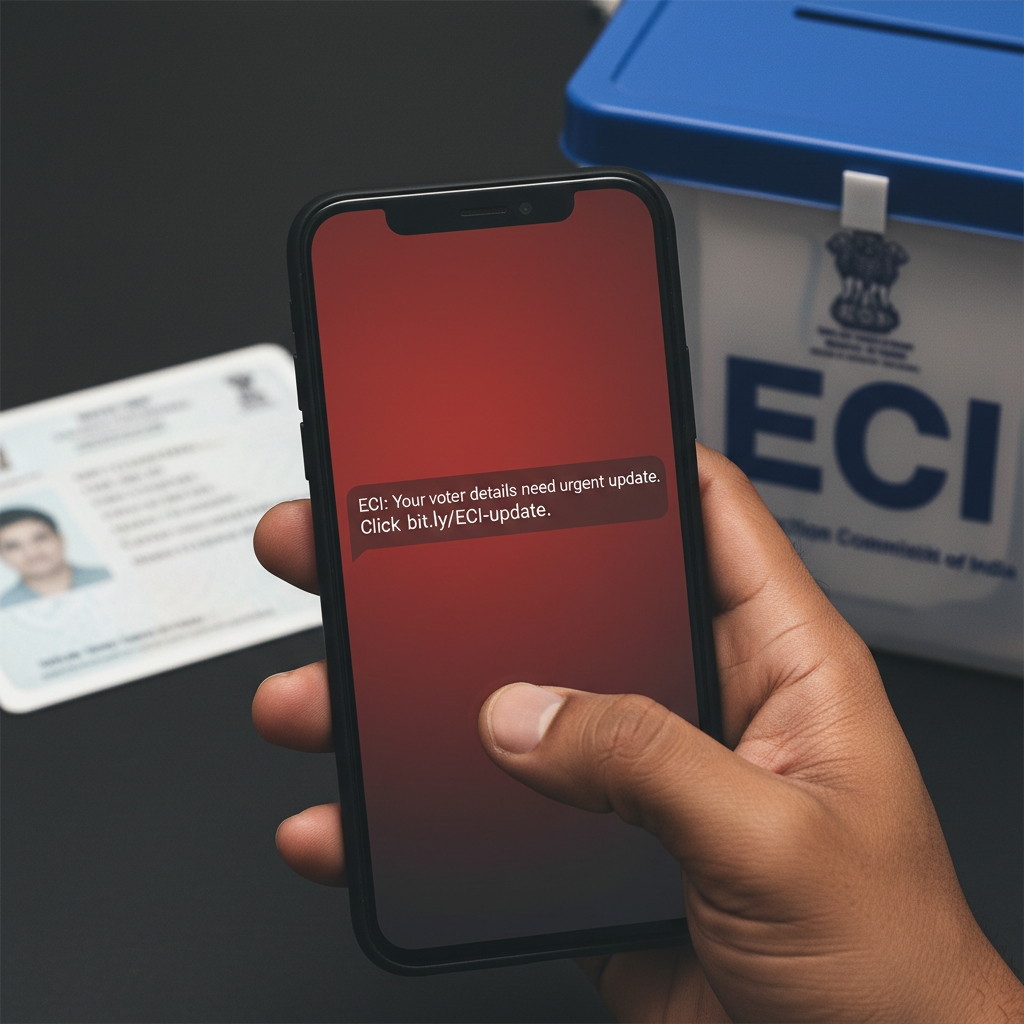
ECI voter list update SMS link — is it real, what to do?
 HIGH RISK
Comments
Be the first to comment.