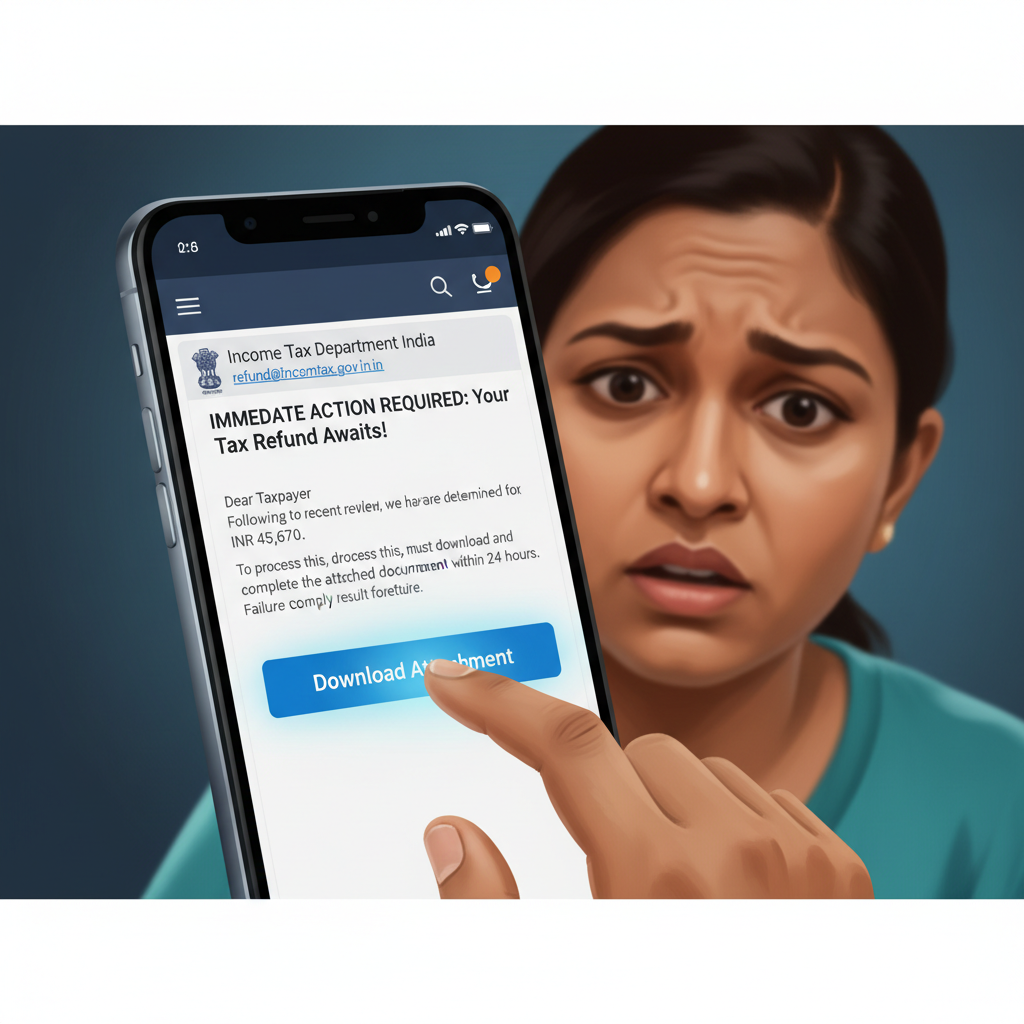
Income Tax refund email with attachment on Gmail - is it real or a scam?
Fraudsters are sending out deceptive emails, pretending to be from the Income Tax Department, claiming you have a pending tax refund. These emails often contain a malicious attachment that, if downloaded, unleashes malware designed to steal your sensitive banking credentials and personal information. This is a highly dangerous scam with immediate financial risks.
How This Scam Works
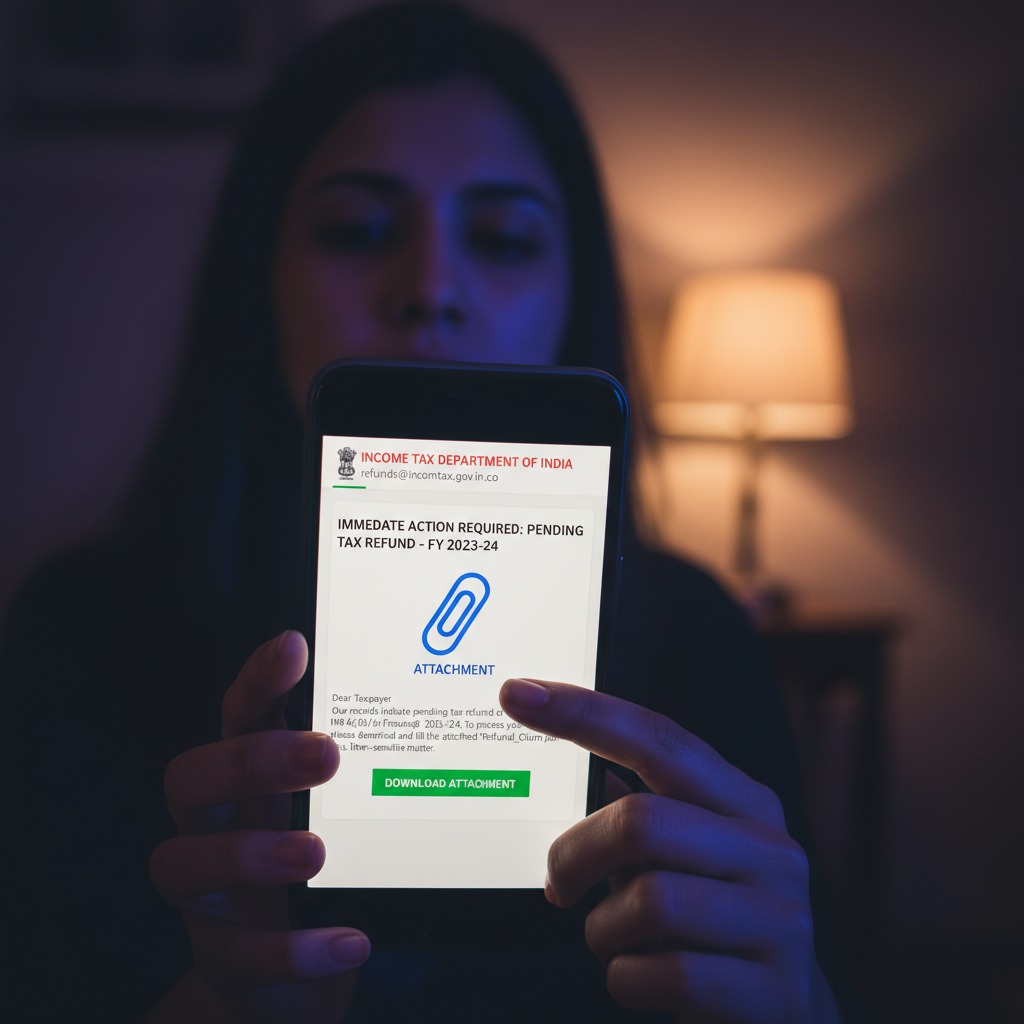
The scam typically begins with an unsolicited email landing in your inbox, often with a sender address that looks deceptively similar to official government domains (e.g., "incometaxindia@gov.in.co," "incometaxrefunds.org"). The subject line will likely be enticing, such as "Urgent: Income Tax Refund Pending!" or "Your Tax Refund is Ready for Processing – Action Required." The email body is usually well-written, designed to look official, and may even include phrases like "As per Section 237 of the Income Tax Act, 1961." The core of this scam lies in its call to action: it urges you to download an attached document to "verify your details" or "claim your refund." This attachment, often disguised as a PDF or an Excel sheet, is anything but harmless. Instead, it's embedded with sophisticated malware, such as the SilverFox trojan. Once downloaded and opened, this malware stealthily installs itself on your device – whether it's your computer or smartphone. SilverFox, and similar banking Trojans, are designed to monitor your online activity, specifically targeting your banking and financial transactions. They can log your keystrokes, capture screenshots, and even intercept OTPs (One-Time Passwords) received via SMS, all without your knowledge. The ultimate goal is to obtain your internet banking username, password, credit/debit card details, UPI PINs, and other sensitive financial information. Once they have this access, fraudsters can swiftly drain your bank accounts, initiate fraudulent transactions, or even take out loans in your name. The urgency created by the promise of a tax refund preys on people's desire to quickly claim their money, leading them to overlook crucial red flags.
How to Stay Safe
- Verify Directly:** If you receive an email about an income tax refund, do NOT click on any links or download any attachments. Instead, directly visit the official Income Tax India portal (incometax.gov.in) by typing the URL into your browser. Log in to your account to check your refund status.
- Never Open Attachments from Suspicious Emails:** Be extremely wary of any unsolicited attachments, especially from government-sounding emails. Assume they are malicious until proven otherwise. If you accidentally download one, do not open it.
- Use Strong Antivirus/Anti-Malware Software:** Ensure your computer and smartphone are equipped with reputable, updated antivirus and anti-malware software. Regularly scan your devices for threats.
- Enable Two-Factor Authentication (2FA):** Activate 2FA on all your critical accounts, especially banking, email, and government portals. This adds an extra layer of security, making it harder for scammers to access your accounts even if they steal your password.
- Be Skeptical of Offers That Seem Too Good To Be True:** A sudden, unexpected large refund should always trigger suspicion. Always question the legitimacy of such offers.
- Educate Yourself and Others:** Share information about these scams with your family and friends, especially those who may be less tech-savvy.
If You Are Targeted
- Do NOT Panic or Engage:** If you suspect an email is a scam, do not reply to it, click any links, or download any attachments. Delete it immediately.
- If You Opened an Attachment:** Disconnect your device from the internet immediately to prevent the malware from communicating with its command and control server. Run a full scan with your updated antivirus software and remove any detected threats. Consider a full factory reset if you're unsure.
- Change All Passwords:** If you suspect malware installation, immediately change all your important passwords, especially for banking, email, government portals, and social media, from a clean, secure device.
- Monitor Your Bank Accounts:** Closely monitor your bank statements, credit card transactions, and UPI payment history for any suspicious activity. Report any unauthorized transactions to your bank immediately.
- Report the Incident:**
- Cybercrime Portal:** File a complaint on the Indian Cybercrime Reporting Portal (cybercrime.gov.in). This is crucial for official tracking and investigation.
- Bank:** Inform your bank about potential fraud and compromise of your banking details.
- Income Tax Department:** You can report phishing attempts to the Income Tax Department through their official channels.
ScamGuard24 Insight
This sophisticated phishing attempt preys on financial anxiety and the desire for quick refunds. The use of banking Trojans like SilverFox highlights the escalating threat landscape, where attackers are moving beyond simple data capture to direct financial exploitation through malware. Vigilance and proactive security measures are paramount to protect your hard-earned money and personal data.
Suspect a scam right now?
Open ScamGuard24 ScannerRecommended protection tools
AffiliateWe may earn a small commission if you sign up — it never changes our editorial picks.
India's most trusted antivirus. Blocks malicious APKs, UPI phishing and fake banking apps.
Get Quick HealAll-in-one mobile security + VPN. Stops phishing links shared on WhatsApp and SMS.
Try Norton 360Stop reusing passwords. Auto-fills only on the real bank site, never on phishing pages.
Get NordPassRelated alerts
 HIGH RISK
Income Tax refund email India, attachment with malware, what to do?
 HIGH RISK
Instagram/WhatsApp task scam, invest money daily return, is it real?
 HIGH RISK
Comments
Be the first to comment.